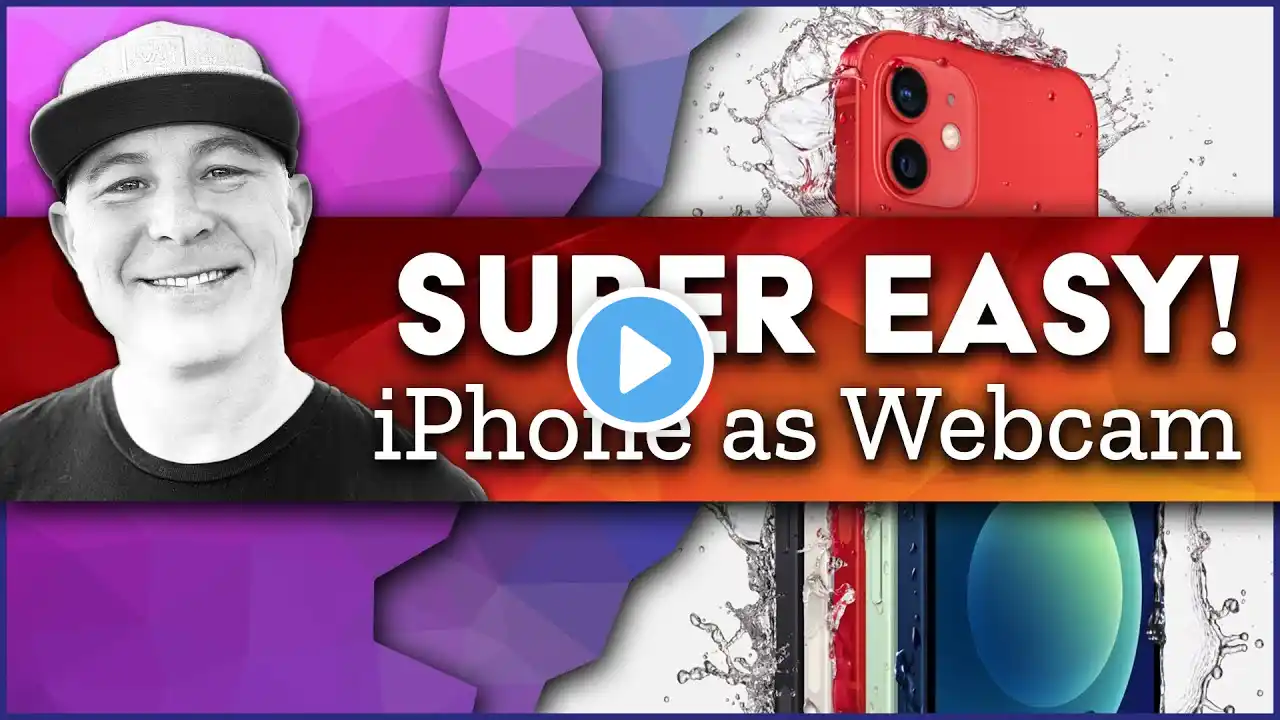
Use Your iPhone As A Web Cam - Super Easy To Do!
There are all sorts of videos out there on how to use your iPhone as a web cam - but they are all very complicated. In this video, we show you how to use your iPhone as a web cam - SPOILER ALERT - it is super simple to do! You won't need to watch any other video than this one. Use your iPhone as a web cam today! PRODUCTS MENTIONED IN THIS VIDEO ○ Elgato Cam Link 4K: https://amzn.to/35Dz4he ○ Magewell HDMI Capture: https://amzn.to/3myqeIv PRODUCTS USED IN THIS VIDEO: ○ Magewell HDMI Capture: https://amzn.to/3myqeIv ○ Microphone: https://amzn.to/3hXsQ0l ○ JOBY GripTight PRO TelePod: https://amzn.to/316sPR0 ○ JOBY Beamo, Mini LED Light: https://amzn.to/2XivhTf ○ Manfrotto MTPIXIEVO PIXI EVO 2: https://amzn.to/3jWOeEO VISIT US ONLINE: ○ Website: https://stateofcharge.tv WE ARE A SOCIAL CREW! ○ INSTAGRAM: / state_of_charge ○ TWITTER: / state_of_charge ○ PINTEREST: / boards ○ TIKTOK: https://tiktok.com/stateofcharge Be sure to subscribe to my channel: https://smurl.io/youtube John Mahon is a business owner, entrepreneur, pastor, husband, father, technology junkie, solar enthusiast, Apple Genius and world traveler. He has had some unique experiences in life. His YouTube channel / stateofcharge will attempt to chronicle these experiences and share some of the things he has learned. In the end, John hopes he and his subscribers will be better, all around people. Please join us on this journey. Subscribe and help us spread the word. What is your "State of Charge?" DISCLAIMER: Links included in this description might be affiliate links. If you purchase a product or service with the links that we provide, we may receive a small commission. There is no additional charge to you! Thank you for supporting our channel so we can continue to provide you with free content with each video we upload!