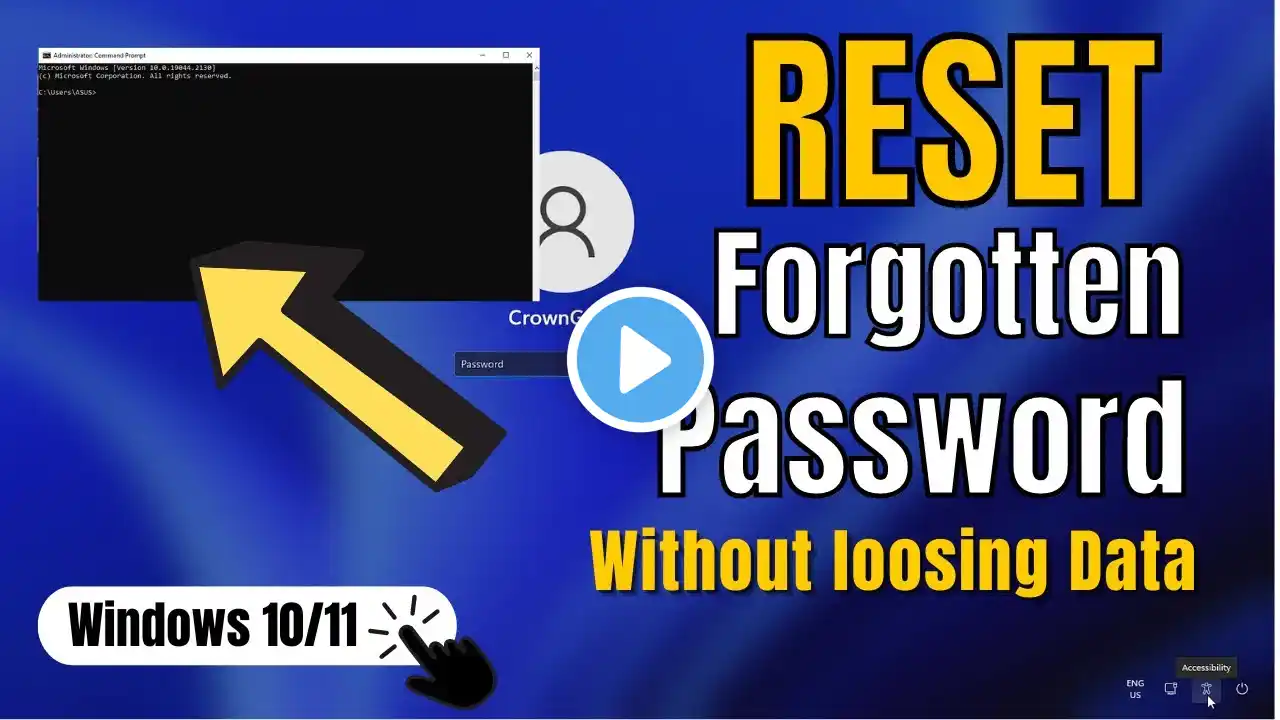
FORGOT YOUR WINDOWS PASSWORD?! (Easy Reset in 8 Mins!)
🔐 FORGOT YOUR WINDOWS PASSWORD? DON'T PANIC! Welcome back to Techzone 'n Digital insight KE! In today's video, I'll show you exactly how to reset or change your Windows password – even if you're completely locked out. No USB drive needed, no tech skills required, and it works for ALL Windows versions! 📌 WHAT YOU'LL LEARN: ✅ How to reset a forgotten Windows password ✅ How to change your password without old password ✅ Methods that work on Windows 10, 11, 8, and 7 ✅ Step-by-step guide – no confusion, no jargon ✅ 100% working method used by IT pros 💡 WHY WATCH THIS VIDEO? - Save money on expensive tech support - Get back into your PC in under 8 minutes - No software or USB drive required - Works for laptops and desktops ⏱️ TIMESTAMPS: 0:00 – Introduction 0:45 – Why passwords get locked 1:30 – Method 1: Password Reset via Microsoft Account 3:15 – Method 2: Reset Using Command Prompt 5:00 – Method 3: Local Account Password Reset 7:00 – Final Tips & Warnings 7:45 – Outro 🔔 SUBSCRIBE & TURN ON NOTIFICATIONS! Don't miss future tech tutorials, tips, and hacks. Hit the bell icon to stay updated! 👍 LIKE this video if it helped you! 💬 COMMENT below if you have questions or got locked out before! 🔄 SHARE with someone who needs this! 📱 CONNECT WITH US: 🌐 Website: [] 📸 Instagram: [https://www.instagram.com/techzone_n_...] 🐦 Twitter/X: [] 📘 Facebook: [https://www.facebook.com/profile.php?...] 📧 Business Inquiries: [[email protected]] 📌 DISCLAIMER: This tutorial is for educational purposes only. Only use these methods on devices you own or have explicit permission to access. #WindowsPasswordReset #TechzoneNDigitalInsight #WindowsTips #TechTutorial #PasswordRecovery #WindowsHelp #TechTips #DIYTech #Windows10 #Windows11 #ForgotPassword #PCRepair #TechSupport #ComputerTips #CyberSecurity