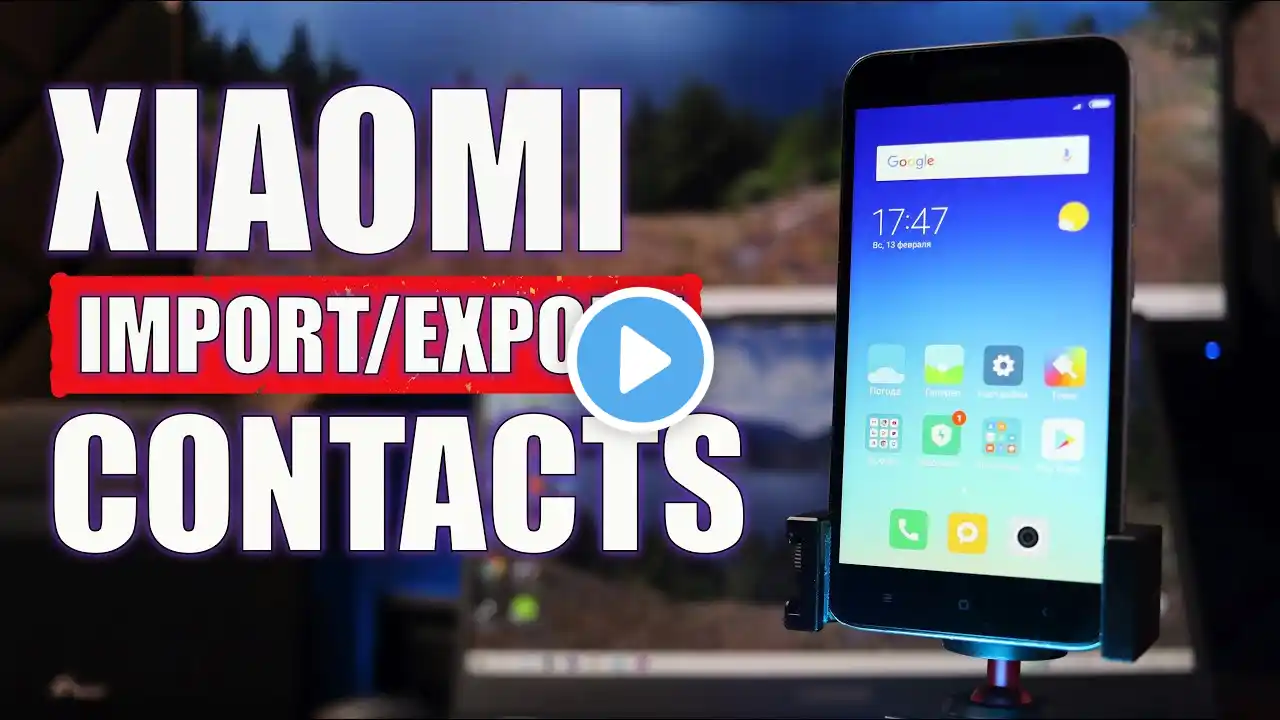
How to Copy Phone Contacts to SIM in Redmi
How to Export Contacts from Phone to SIM in Xiaomi Device:- If you want to copy contacts from phone to SIM card then follow these simple steps. Some smartphones have different method but this video helps you to transfer your contacts on MI Xiaomi android. To do this open phone contacts app. Now tap on three dots on the top right corner. Then tap Import/export contacts then tap that SIM card you want to export contacts. Now select contacts manually or select all and tap export. Now the process of export will start.