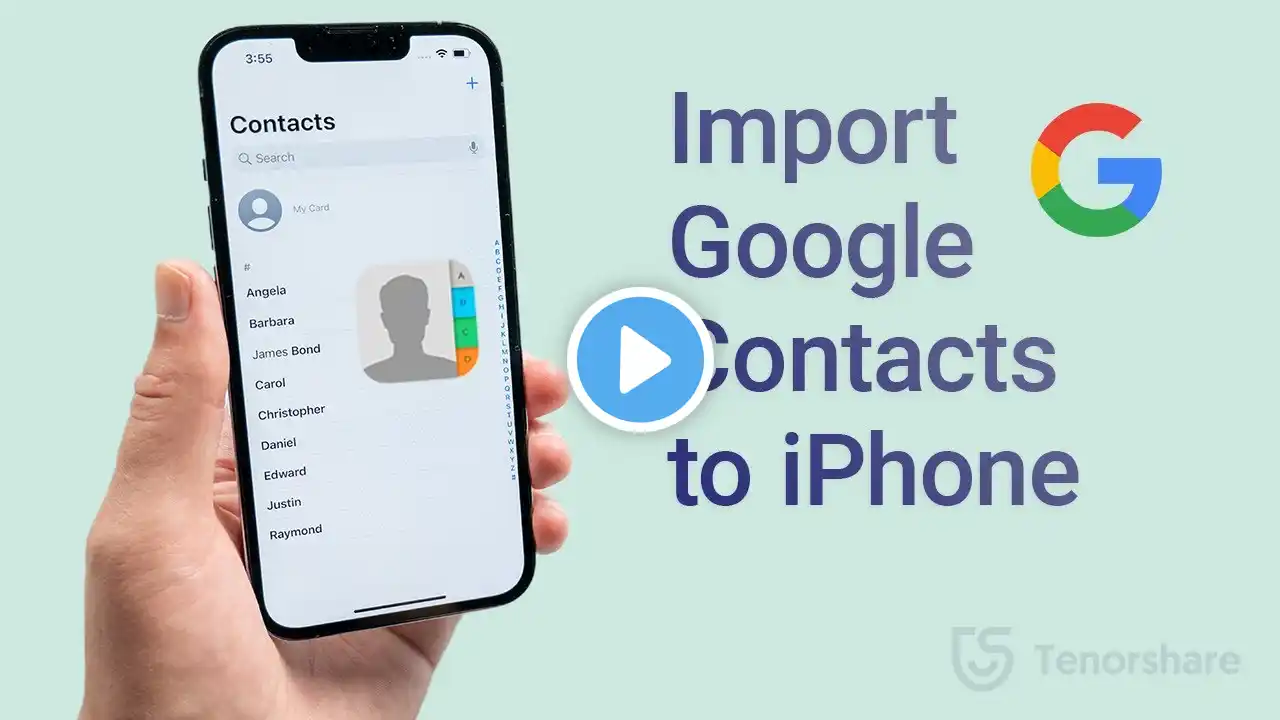
How to Import Google Contacts to iPhone (2 Ways)
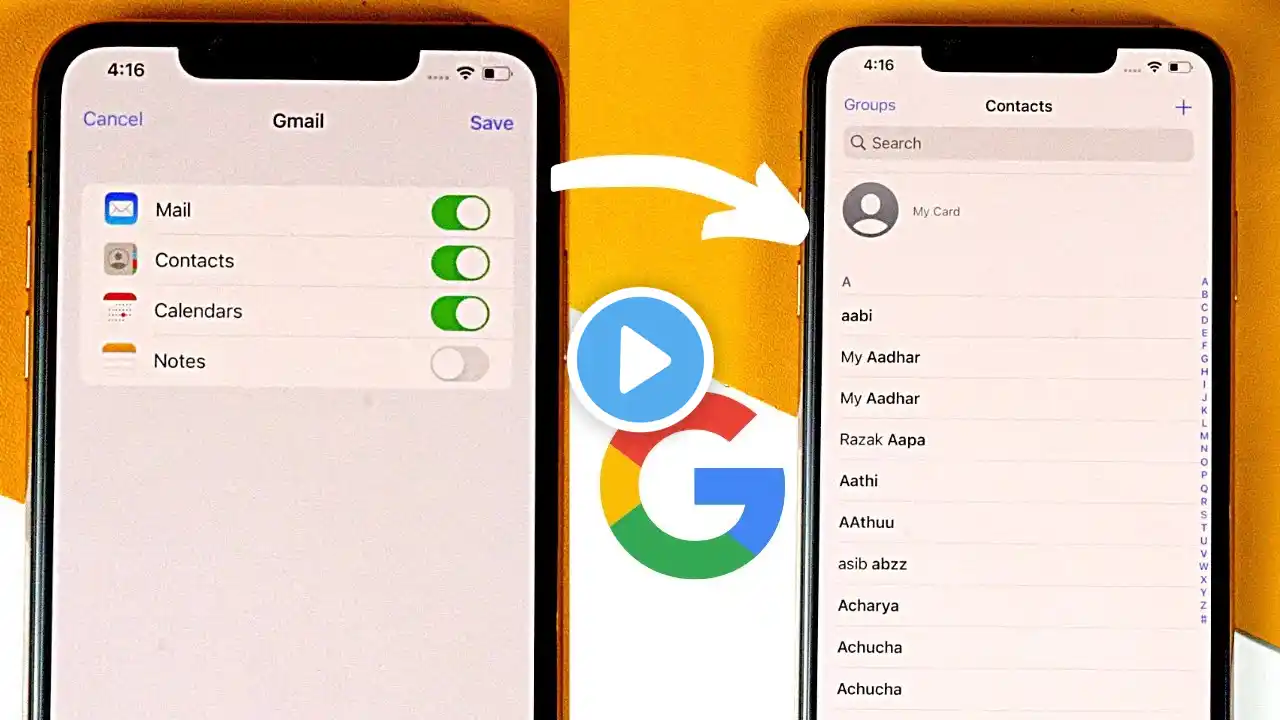
Move google contacts to your iPhone! Free download for iCareFone: https://bit.ly/49KkCH6 Just switched to an iPhone and need to transfer your Google contacts? No worries! In this video, we’ll show you two simple methods to import Google contacts to your iPhone—whether you prefer syncing directly or using iCareFone for a manual import. ⏱TIMESTAMP: 00:00 Intro & Preview 00:26 Method 1: Sync Google Contacts to iPhone 01:09 Method 2: Import Google Contacts with iCareFone 💡Text guide here: How to Transfer Google Contacts to iPhone Method 1: Sync Google Contacts to iPhone Open Settings - Contacts - Accounts. Tap "Add Account" and select "Google." Sign in to your Google account. Turn on the "Contacts" toggle and tap "Save." Method 2: Import Google Contacts with iCareFone Go to Google Contacts on your browser and sign in. Click "Export," choose "vCard for iOS Contacts," and download the file. Open iCareFone on your computer and connect your iPhone. Click "Manage" - "Contacts" - "Import." Select the vCard file and confirm import. 📑*Official Links and Resources:* Google Contacts Help: https://support.google.com/contacts/a... #GoogleContacts #iPhoneTransfer #iCareFone #iPhoneTips #Tenorshare 🔔 Subscribe Here (it's FREE!): https://bit.ly/30eZwvG #importgooglecontactstoiphone ---------Social Media------------ Facebook: / tenorshare Twitter: / tenorshare Google+: https://plus.google.com/+Tenorshareso... Tenorshare official website: https://www.tenorshare.com Song: Niya - A Flourish Music provided by Vlog No Copyright Music. Creative Commons - Attribution-ShareAlike 3.0 Unported Video Link: • Niya - A Flourish (Vlog No Copyright Music)