![[LG TV] - Troubleshooting tips for LG Magic Pointer Remote Control](https://krtube.net/image/xIRqa37tGCw.webp)
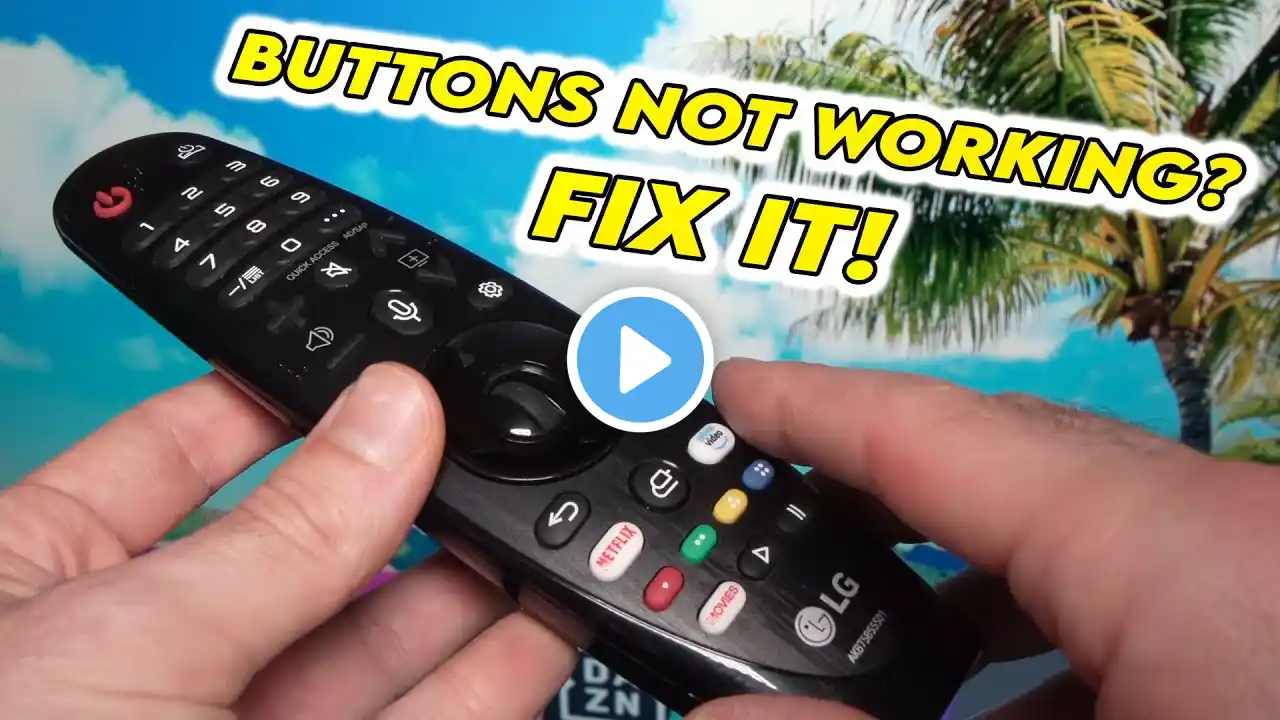
[LG TV] - Troubleshooting tips for LG Magic Pointer Remote Control
Video guide with tips to check the operation of the LG Magic Smart TV pointer remote control Is the pointer remote not responding as it should? Can't pair or register the remote control pointer? If the registration of the remote control fails, even after making several attempts by pressing the Wheel button: restart the TV press the Back + Home (Home) keys for at least 5 seconds to disable pairing (the LED will flash 3 times). press OK to pair again. For 2014 models: Pressing the Back button with the remote pointed at the TV for 5 seconds will reset and re-register the remote. Does the cursor suddenly disappear while you are using it? 1) If you press one of the four directional keys (up, down, right or left arrow), the cursor will be deactivated. 2) The cursor will disappear even if the TV receives the signal from a standard remote control. The infrared (IR) signal has priority over that of the pointing remote control. For example, if you are using the infrared remote control of a Sound Bar, Blu-ray player, or other LG compatible device with your TV. 3) It could happen if the battery level is low: in this case replace the batteries. Reactivate the cursor by shaking the remote control 3 ~ 4 times from left to right, and vice versa. Press a key to activate the cursor. Like 👍 and subscribe to the channel to stay updated in real time on the video tutorials of LG products If you need further support, please go to our site at the Support Library at: https: //www.lg.com/it/support/help -... You need a replacement part or an original LG accessory, visit our website at: https://www.servicelgshop.com Does the pointer remote's cursor speed suddenly decrease? Slow cursor movement may be due to unstable transmission signal. Are other devices used in the house that use the 2.4GHz band? For example WIFI devices, radios that use radio frequency (RF), or Bluetooth devices? In such cases, packet loss may occur between the TV and the remote control. As a result, the data will not be transmitted stably. To solve, locate the radio frequency device (e.g. Wi-Fi device, wireless remote control or keyboard, set-top-box, etc.), and turn it off. Or try to restore it or move it to a different location. Now check if the remote is working as it should. If the anomaly persists, the interference may be coming from outside the house: try relocating the TV. Do you have to change the remote control batteries very frequently? Even after the batteries have been replaced recently, a message appears asking to replace them. Check the battery type: the cheapest batteries have a very limited life, and are therefore not recommended. Alkaline batteries, although more expensive, are ideal for keeping the remote control functioning for a long time. Are you using a pointer remote control model compatible with your TV? Access this guide for further help: https://www.lg.com/it/supporto/guide-...