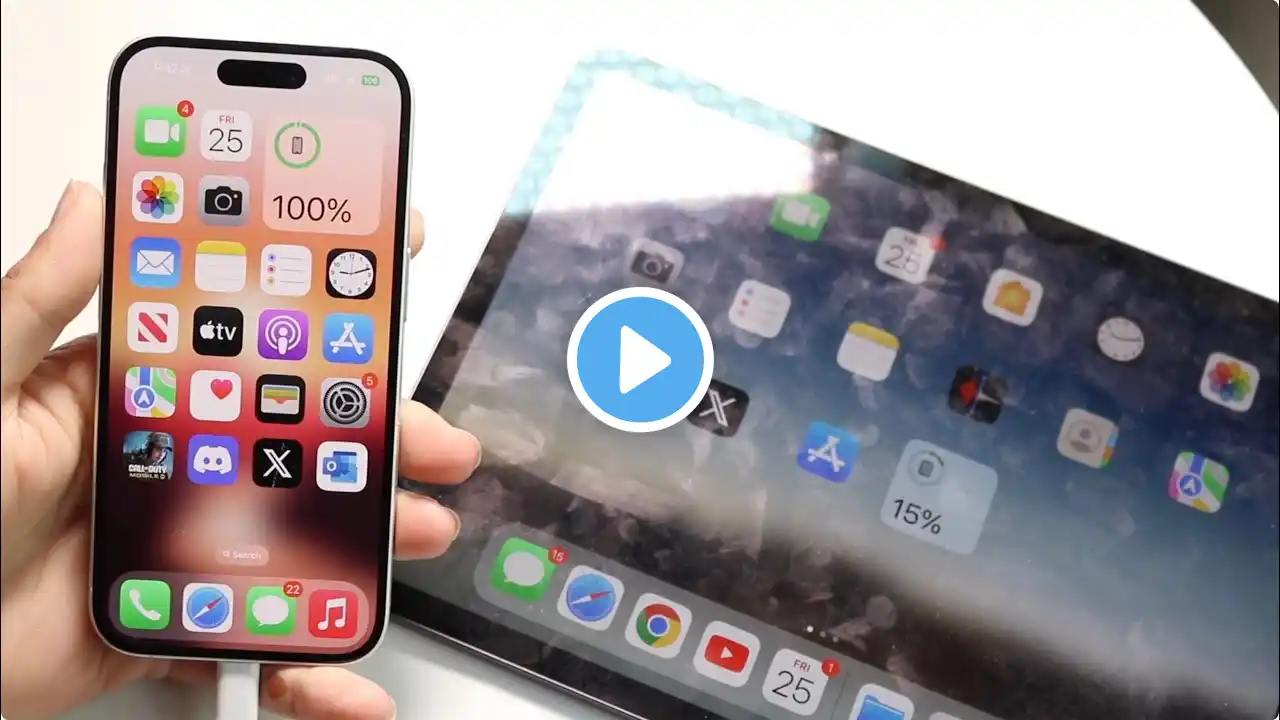
How to Sync Emails Between iPhone and iPad in Minutes 2025
Click here to download the data synchronization tool for free : 👉 https://bit.ly/40cvsjL Want to sync emails or data on iPhone to iPad, but don't know how to do it, or think that iCloud is too expensive? Try using icarefone to sync data between iPhone and iPad! This article will show you two ways to easily sync emails and data between iPhone and iPad. ⏱ TIMESTAMP 00:00 intro 00:31 Method 1: Use iCloud to Sync Email 01:12 Method 2: Use Tenorshare iCareFone to sync data 💡 How to xxxx Summary / How to xxxx text guide ⭐️Method 1: Use iCloud to sync emails 1. Open Settings on iPhone. 2. Click Apple ID and select iCloud. 3. Find the Mail option in the list and turn it on. 4. Repeat the above steps on iPad to make sure that the email sync function is turned on. 5. Make sure that the iPhone and iPad are logged in with the same Apple ID. 6. Wait a few minutes and the emails will be automatically synced to both devices. ⭐️Method 2: Use Tenorshare iCareFone to sync data 1. Connect iPhone to computer with a data cable, open iCareFone, and select Backup & Restore. 2. Check the content to be backed up (such as photos, messages, etc.), click Backup, and enter the iPhone lock screen password to ensure data security. 3. After the backup is complete, connect iPad to computer with a data cable. 4. Select View Backup in iCareFone and find the backup data just now. 5. Click Restore to Device 6. Wait for the data synchronization to complete, and you can see the same data on iPad as on iPhone. The two methods are suitable for different needs: iCloud is suitable for simple daily use. iCareFone is more suitable for scenarios that require batch and efficient operations. 👇 You might also want to know How to Sync Apps From iPhone to iPad 2025 | Easy Sync: • How to Sync Apps From iPhone to iPad 2025 ... [Top 3 Ways] How To Transfer File From PC To iPad - 2025 : • [Top 3 Ways] How To Transfer File From PC ... #tenorshare #sync #syncdata #synciphoneandipad #icarefone 🔔 Subscribe Here (it's FREE!): https://bit.ly/30eZwvG ---------Social Media------------ Facebook: / tenorshareofficial Twitter: / tenorshare_inc Pinterest: / tenorshare Instagram: / tenorsharesoftware TikTok: / tenorshare_tech_tips Tenorshare Official Website: https://www.tenorshare.com Tenorshare AI Youtube: / @tenorshareai Tenorshare AI PDF: https://ai.tenorshare.com/ Get more freebies on Discord: / discord