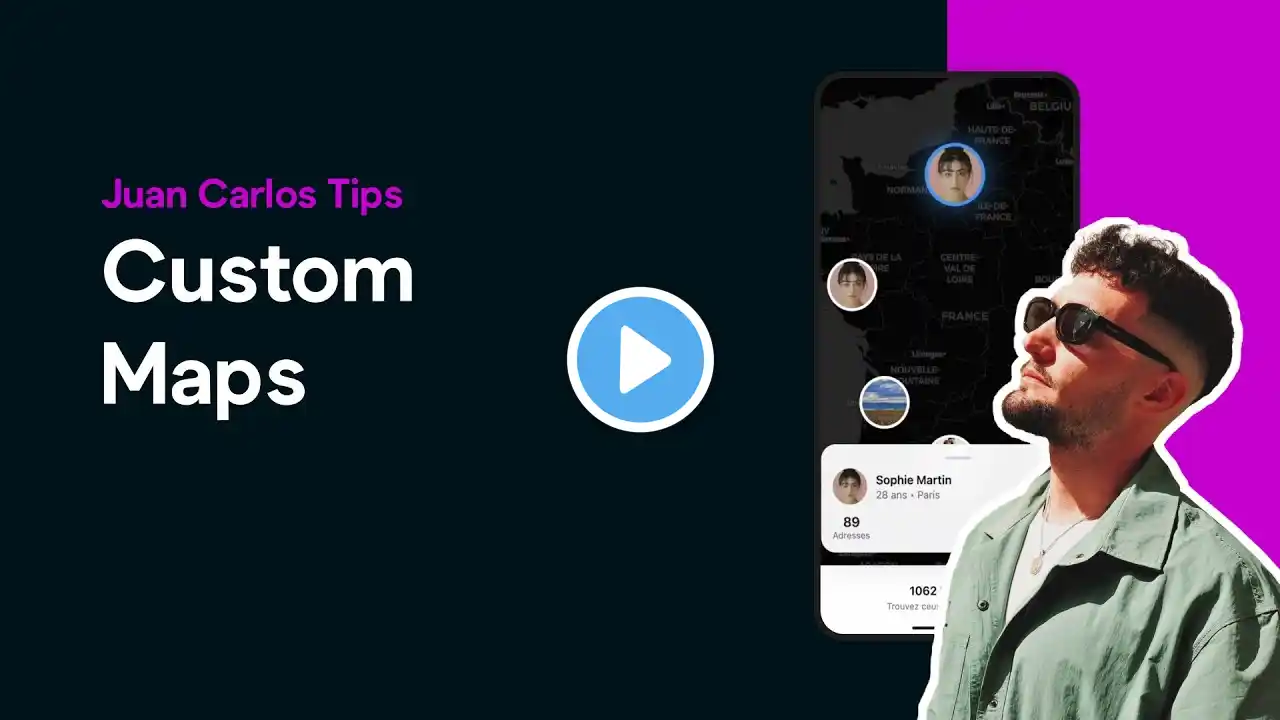
Build a Fully Custom Map App with AI Tools: Figma Make, Cursor, Bravo Studio & Xano
What if you could turn a community feature request into a working prototype, powered entirely by AI tools and Bravo Studio? In this tutorial, Bravo Expert Juan Carlos shows how he built a fully custom interactive map with user avatars, dynamic modals, and real data, all inside a Bravo app. You’ll learn how to: Design your interface using Figma Make Convert it into functional code with Cursor AI Connect it with Bravo Studio and Xano for real-time data Extend your Bravo app with custom web components 💡 Whether you’re a designer or developer, this is the perfect intro to blending no-code and AI-generated code for more powerful Bravo apps. 👉 Watch till the end to see the full demo, and comment what feature you’d like JC to build next! 🧠 Work with Juan Carlos: https://juancarlostoledanosantosdh0rz... 🔗 Learn more about Bravo Studio: https://www.bravostudio.app 💬 Docs: https://docs.bravostudio.app/bravo-ta...