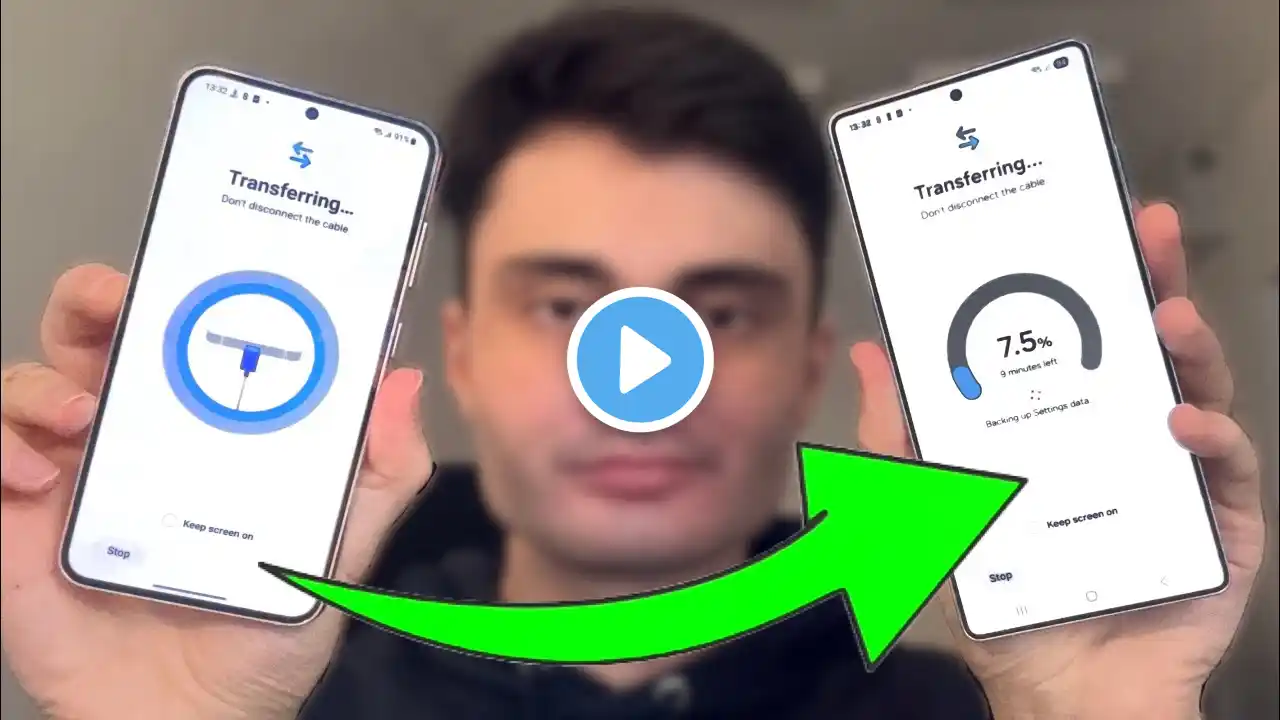
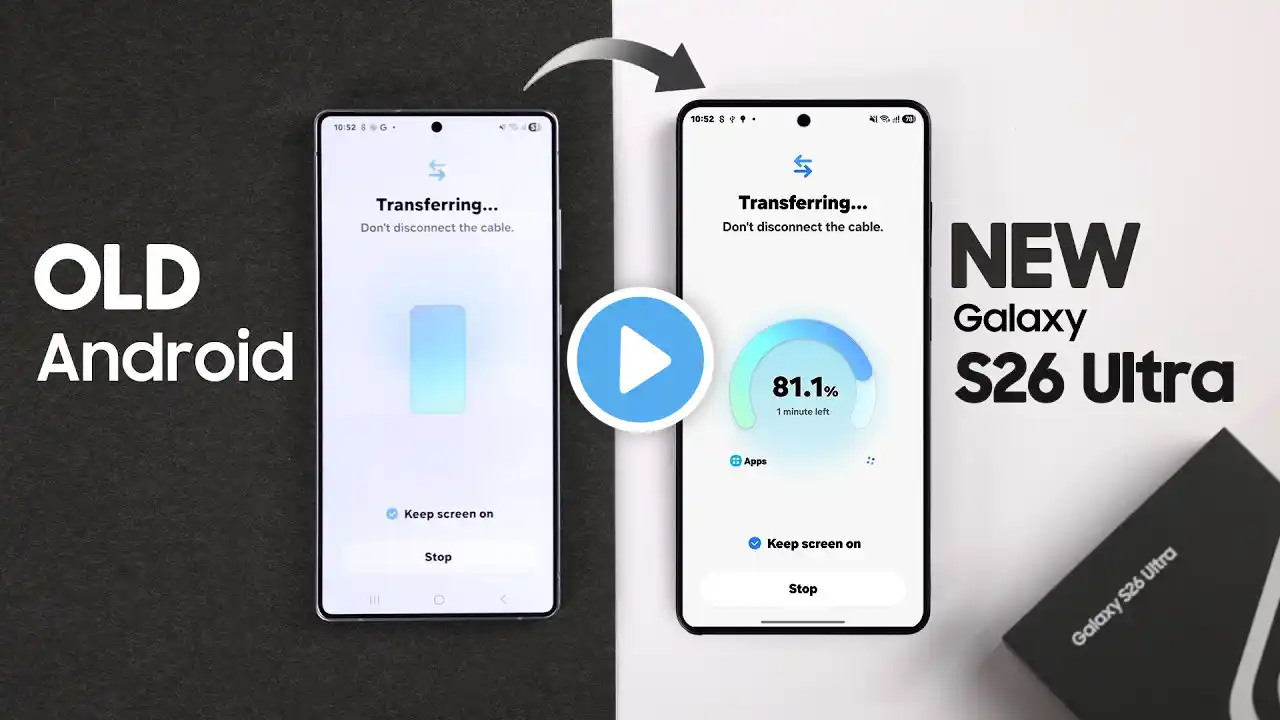
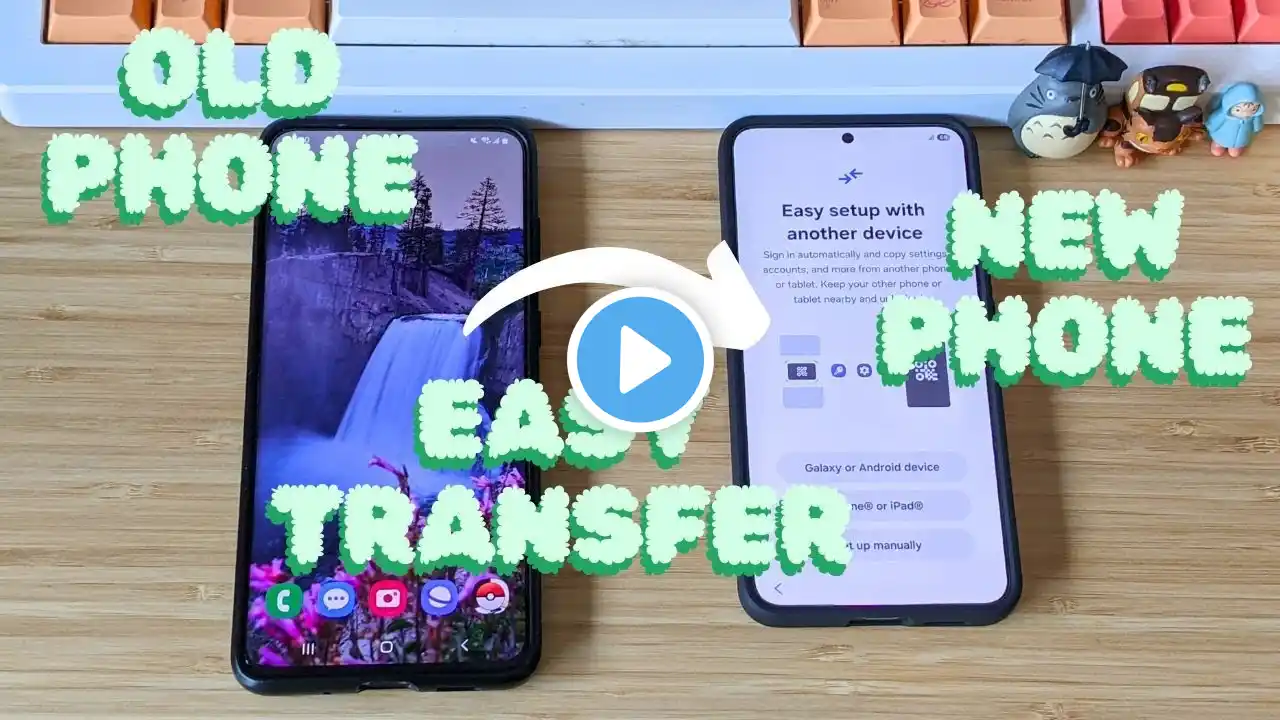
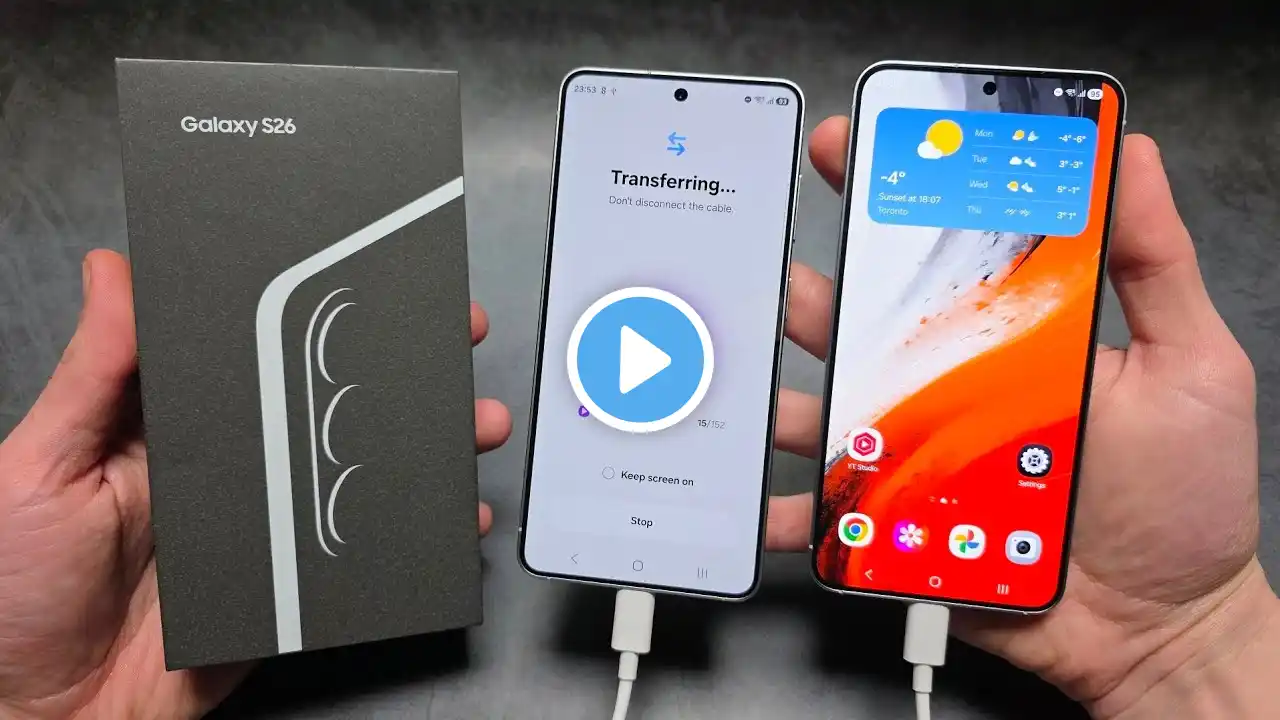
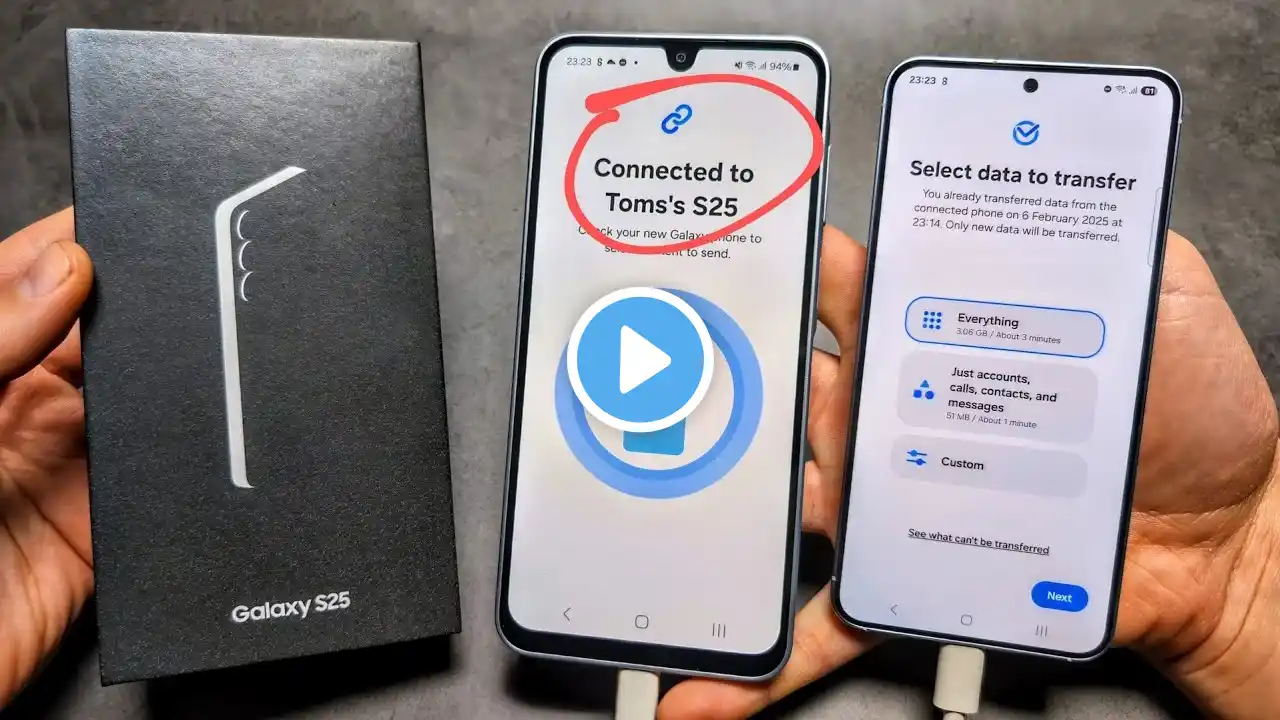
How To Transfer Data from Old Samsung to New Samsung Galaxy S25 Ultra!
Now you can transfer all data like Photos, videos, Apps, contacts, etc. from your old Samsung Phone to a Samsung Galaxy S25 Ultra, S25+, or S25 without resetting after setup, want to know how? Searching for a step-by-step guide to copy all data and contents from your Old Samsung phone to your new Galaxy S25 Series phone using a Samsung Smart Switch with a USB Cable or wireless? Well, we got you a complete guideline. The Fix369 Team brought you a 3-step beginner’s guide to move all data including photos, videos, Apps, and Secure Folder from your old Samsung Phone to your New Samsung S25 Ultra or Plus effortlessly. We will also show you what to do if you don’t want to share everything, but only select data. #SamsungGalaxyS25Ultra #SamsungGalaxyS25+ #SamsungGalaxyS25 #TransferData #OldSamsung 0:00 Intro: Transfer All Dat from Old Samsung to New Samsung S25 Ultra/Plus 0:23 Prerequisite to Transfer all data from old Samsung to Samsung S25 0:37 Step 1: Connect both Phones to Send and receive data Wirelessly/ USB Cable 1:30 Step 2: Select Data, Photos/Videos/Messages/Apps 2:18 What to do if you don't want to transfer all data 2:34 Step 3: Transfer Secure Folder from Old Samsung to New Galaxy S25 2:52 Please Note