How to Transfer All Data from Old Samsung Android to New Galaxy S26 Ultra!
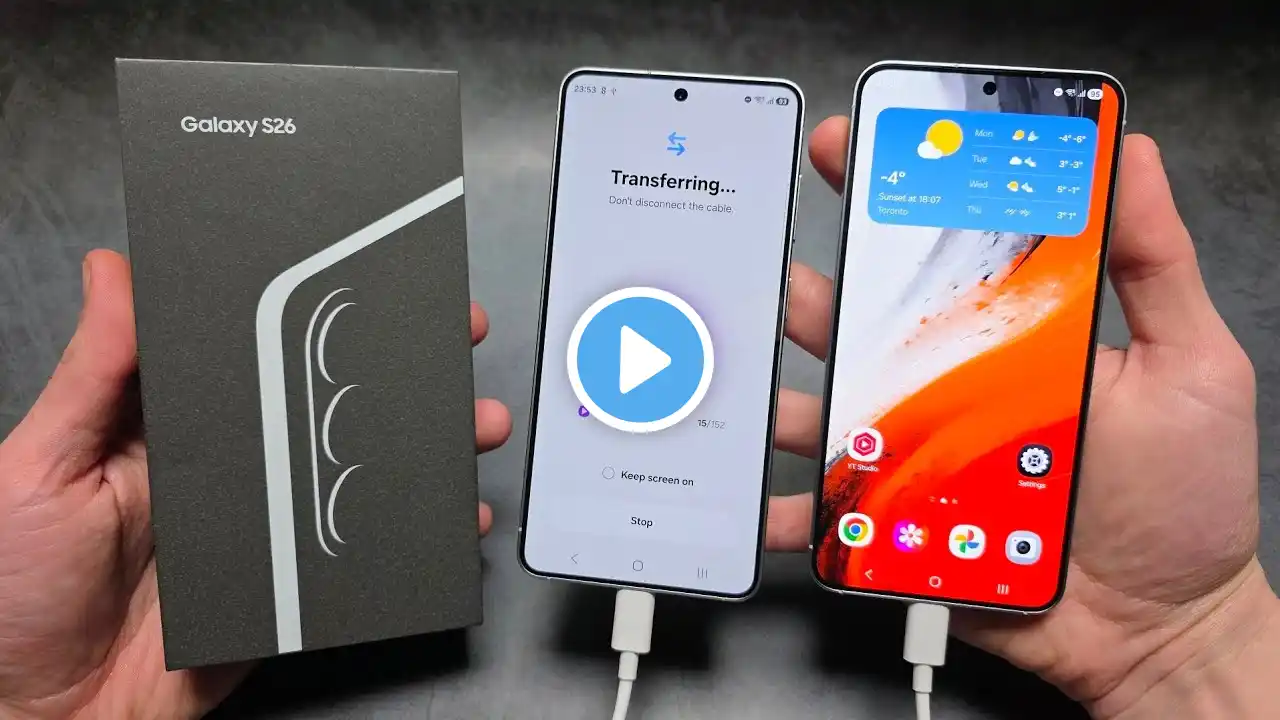
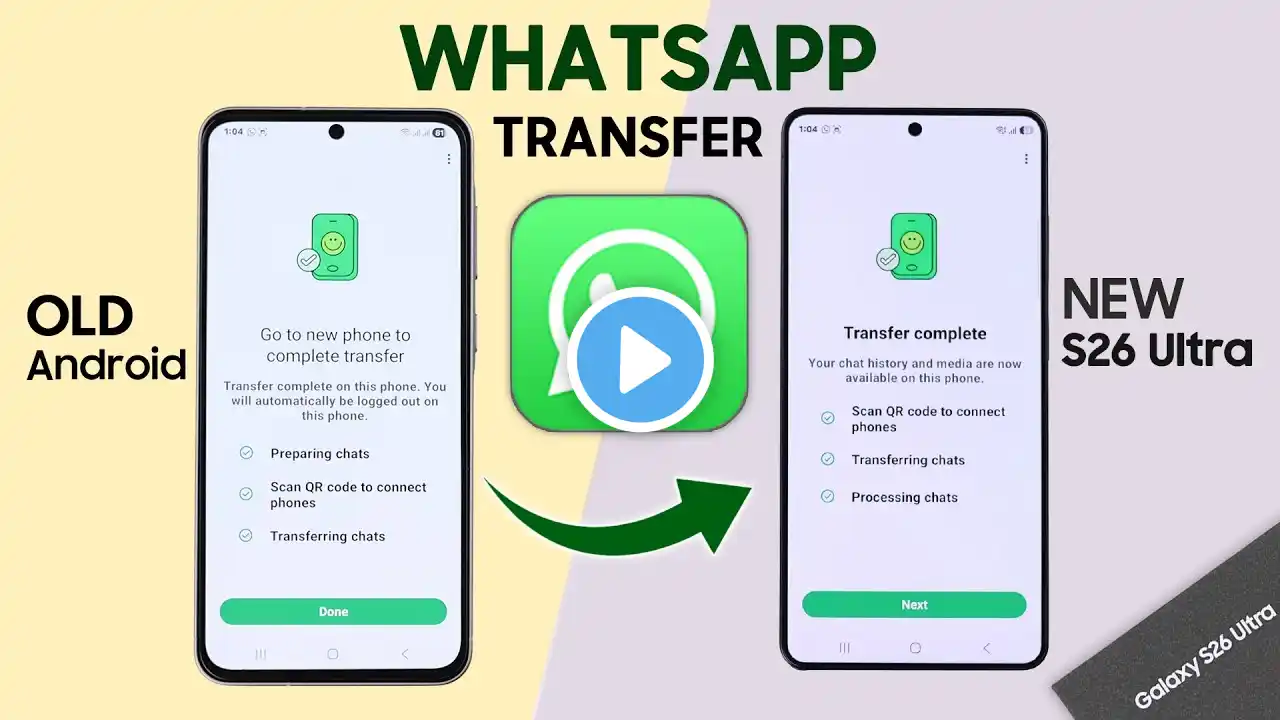
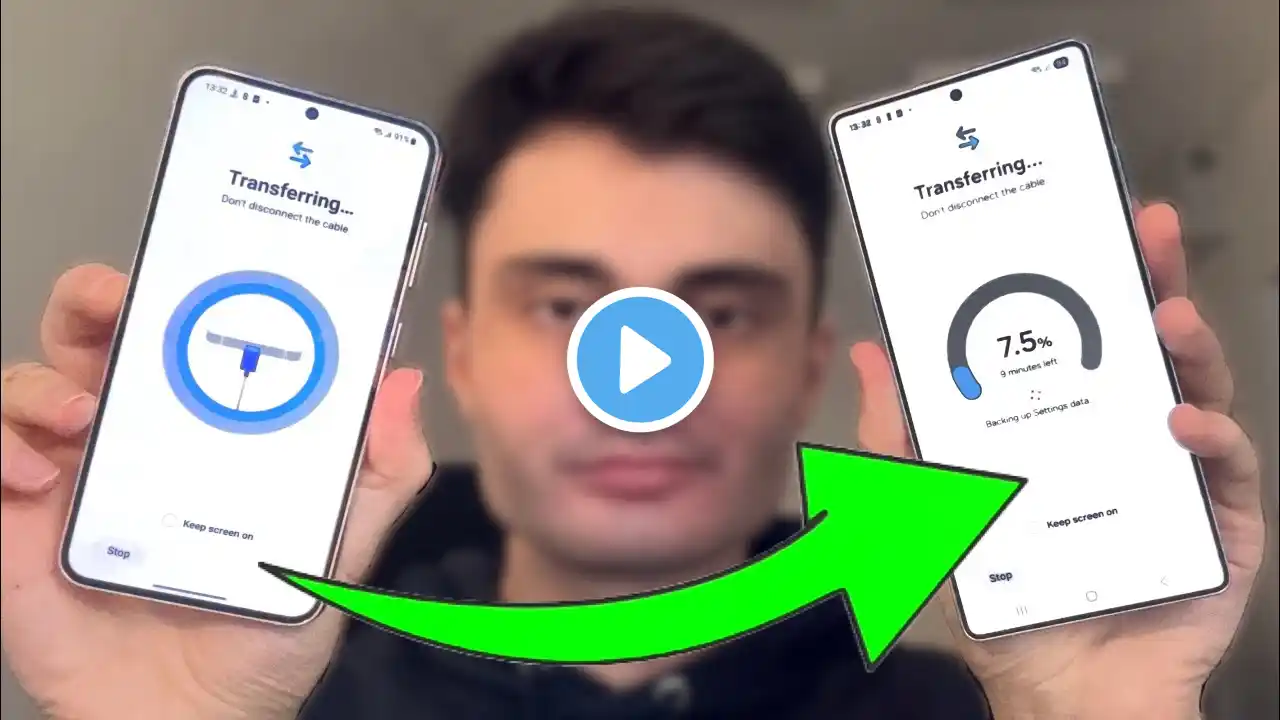
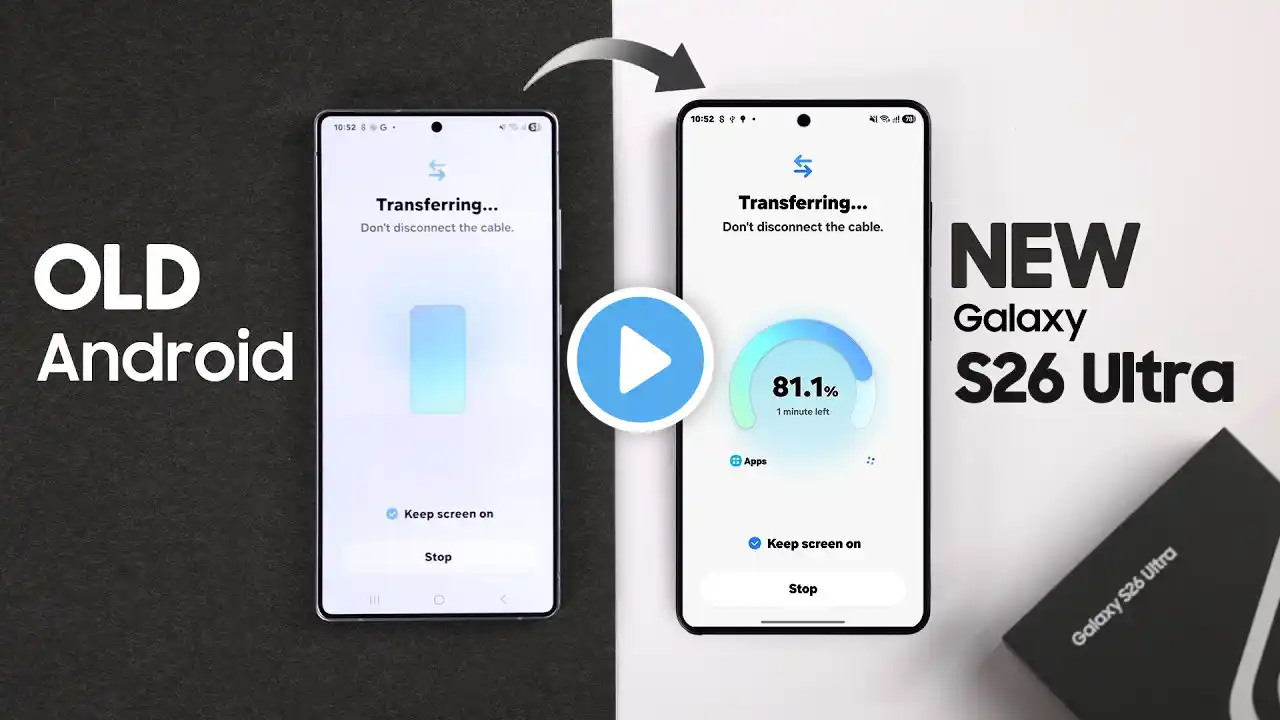
Looking for the fastest and easiest way to transfer all data, including Photos, videos, Apps, Messages, etc., to your brand-new Samsung Galaxy S26 Ultra, S26, or S26 Plus, from your old Samsung or any Android Phone so you can start using your new flagship immediately? Whether you want to move all data from your old Samsung Android to Samsung S26 Ultra wirelessly or using a USB cable, this video will walk you through the step-by-step guide. Here we'll use the default Samsung Smart Switch to transfer all data to the S26 Ultra from your old Samsung, including your photos, apps, messages, contacts, and even home screen layouts without losing a single file. #S26UltraFIX369 #SamsungGalaxyS26UltraDataTransfer 0:00 Intro: Transfer All Data from Old Samsung Android to New Galaxy S26 Ultra 0:24 Prerequisite transfer All data from Samsung/Android to S26 Ultra 0:48 Transfer Android/Samsung to New Samsung S26 Ultra Wirelessly 1:04 Move all data from the old Samsung Android to the Galaxy S26 Ultra