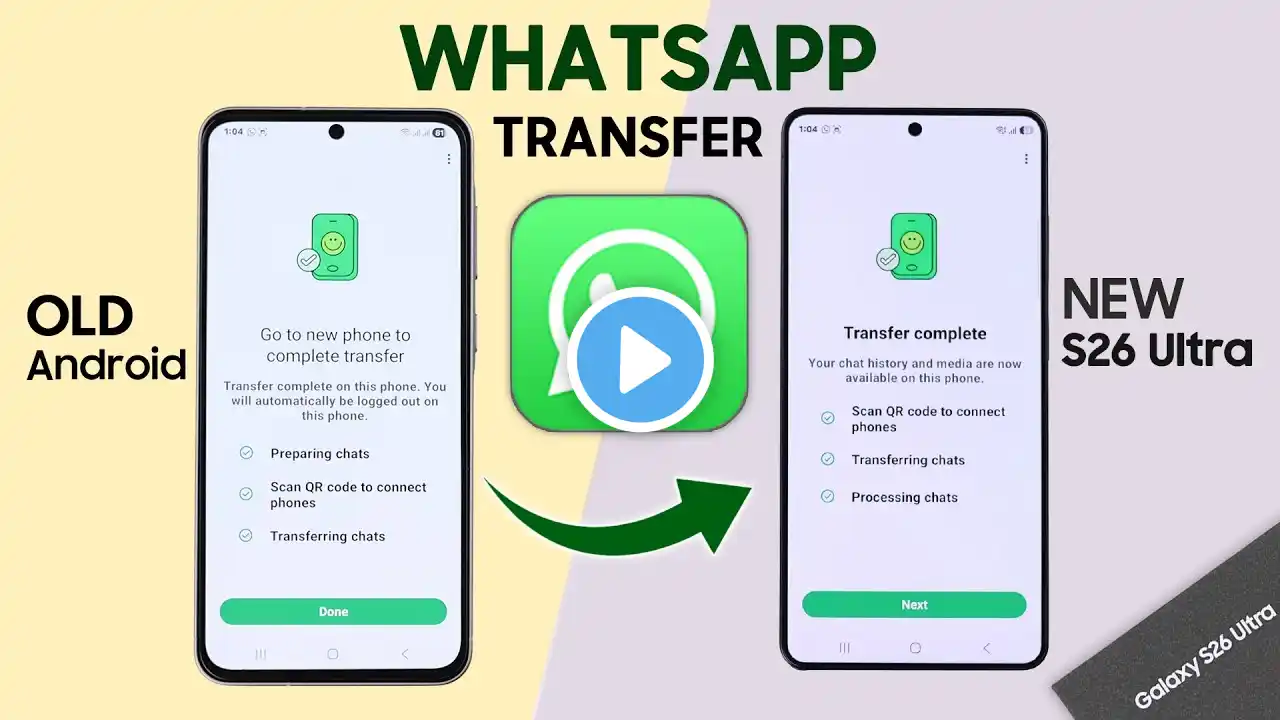
Transfer WhatsApp from Old Android to Samsung S26 Ultra & S26+!
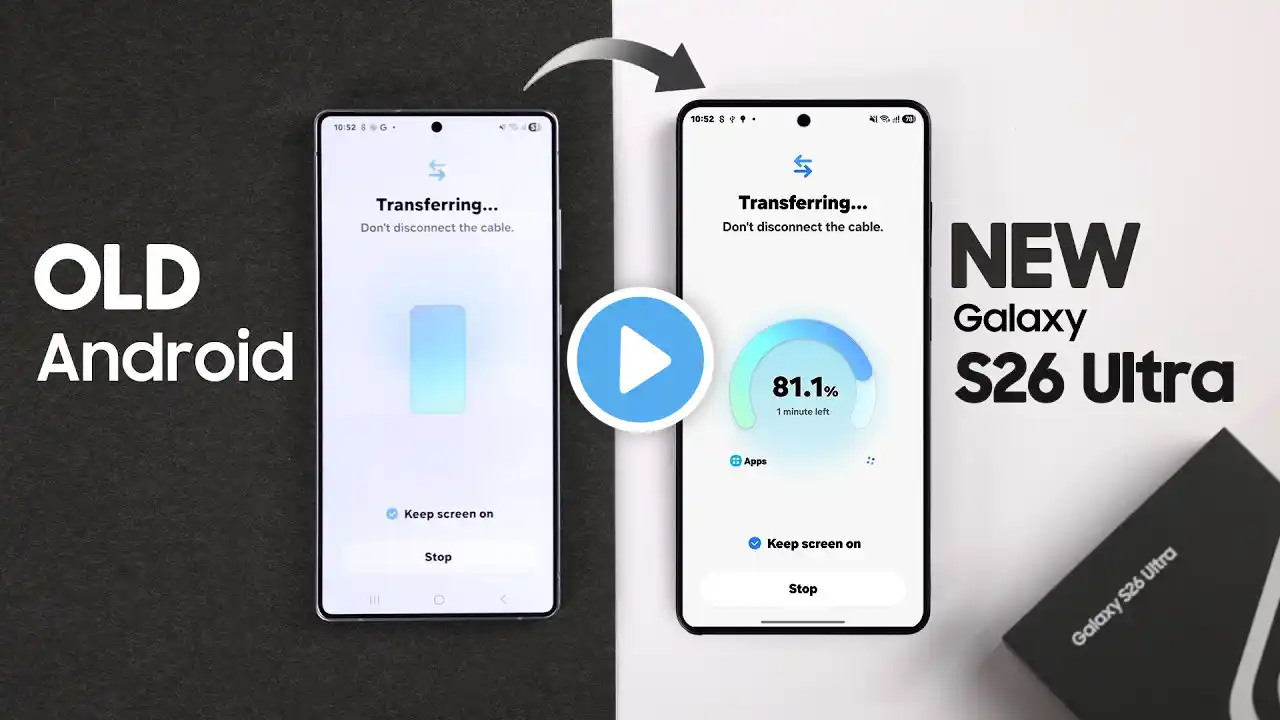
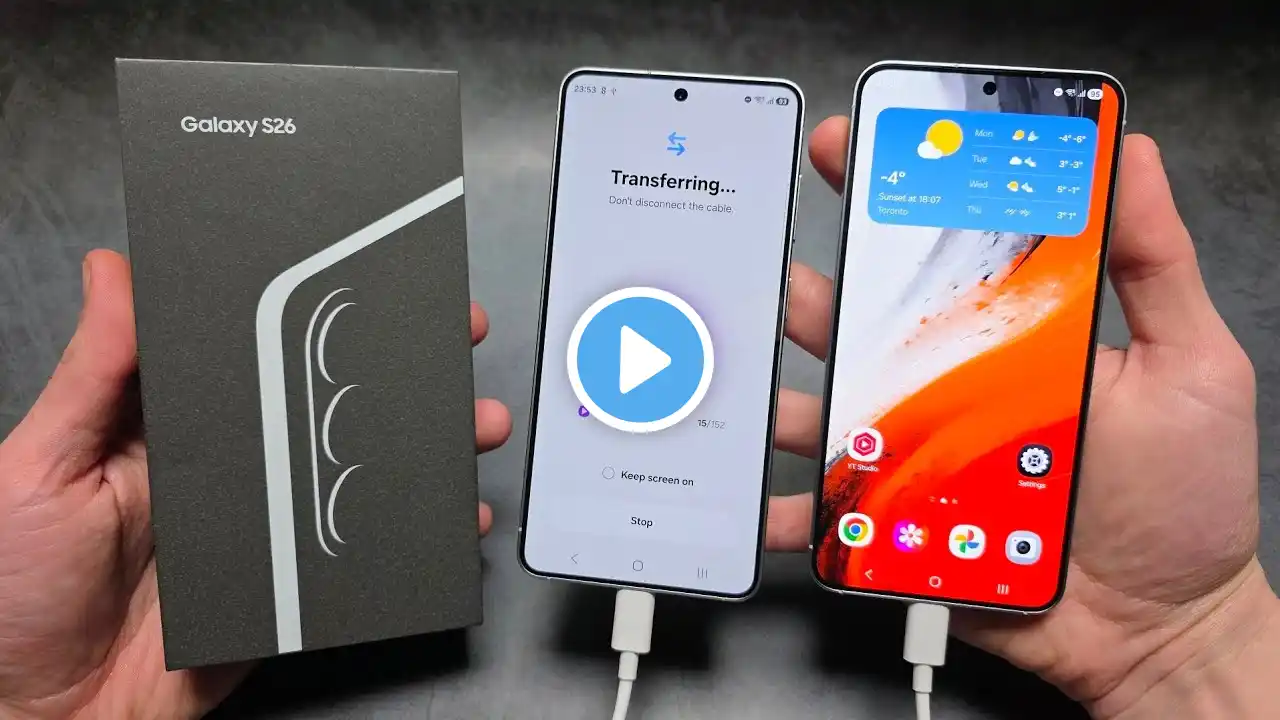
Looking for the easiest way to transfer WhatsApp from an old Android to the Samsung Galaxy S26 Ultra, S26, or S26 Plus without needing a Gmail Backup, PC, or a cable? Especially when worried about losing your WhatsApp messages, photos, video and other Media while upgrading to Samsung S26 Ultra. Want to move WhatsApp Chats to the S26 Ultra from an old Google Pixel, OnePlus, or an older Samsung device? Simply follow the 3-step beginner's guide transfer old WhatsApp chats to the Samsung Galaxy S26 Ultra securely using the modern QR-code method, which is much faster than cloud backups and keeps all your photos, videos, and group chats intact. #S26UltraFIX369 #SamsungS26UltraWhatsAppTransfer #TransferWhatsAppAndroidToSamsung 0:00 Intro: Transfer WhatsApp from Old Android to Samsung S26 Ultra & S26+ 0:16 Step 1: Prepare Transfer Chat on WhatsApp from Old Android 0:44 Step 2: Connect WhatsApp from Old Phone to S26 Ultra 1:08 Step 3: Transfer WhatsApp Chats from Old Android to S26 Ultra 1:43 Please Note