How To Fix AirPods Pro 3 Not Showing Up On Bluetooth!
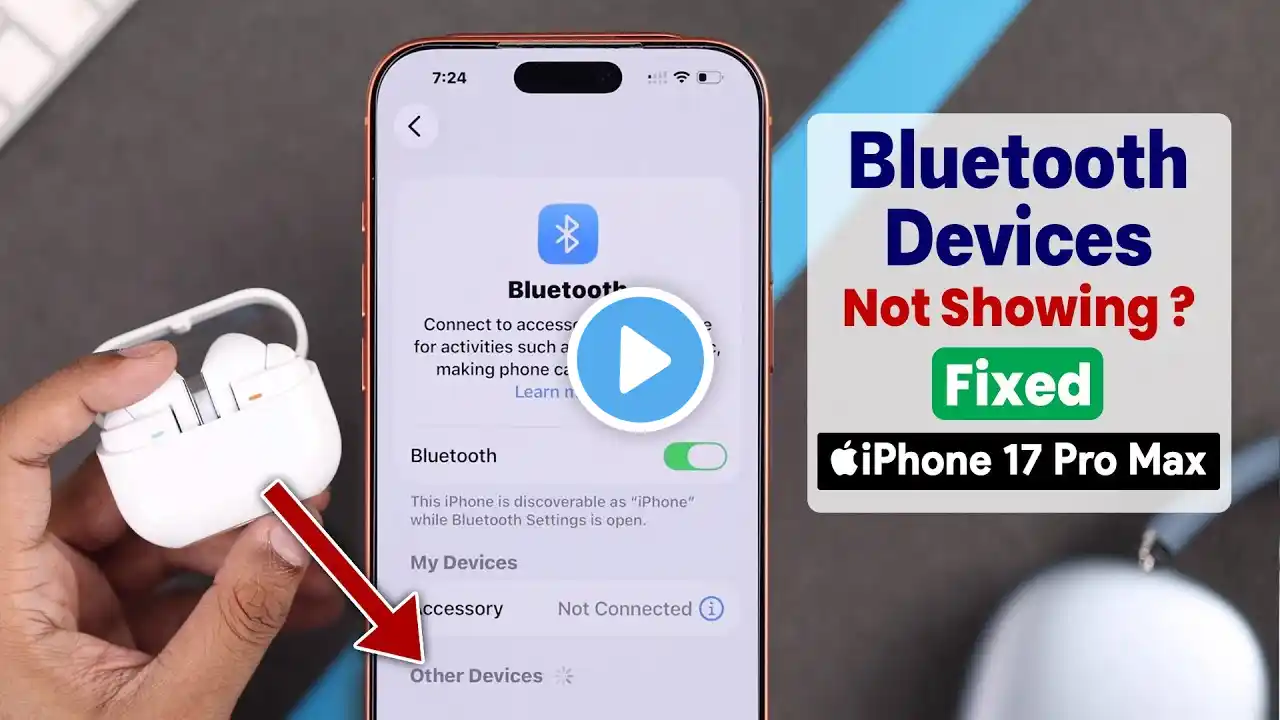
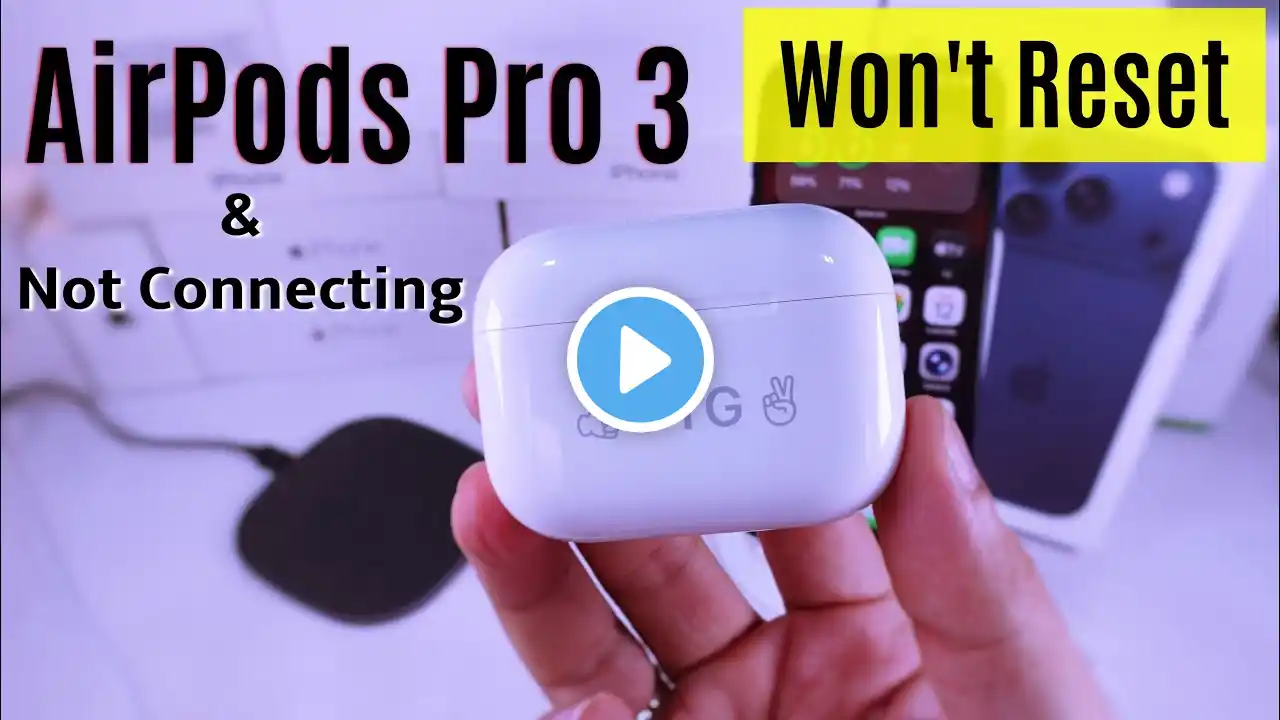
AirPods Pro 3 is connected to your iPhone, but the name is not showing up in the Bluetooth menu? Can't access AirPods Pro 3 Settings as the AirPods Pro 3 Name is missing from iPhone Settings or Bluetooth menu completely, despite being properly connected and playing audio. Don’t worry, we've got you some easy solutions. This troubleshooting guide will provide 4 easy solutions to fix AirPods Pro 3 not showing on the Bluetooth menu on the iPhone after the pairing problem effortlessly. #AirPodsPro3NotShowingBluetooth 0:00 Intro: AirPods Pro 3 Not Showing Up On iPhone Bluetooth 0:14 Solution 1: Basic Troubleshooting 0:53 Solution 2: Force Restart iPhone and Restart AirPods 1:15 Solution 3: Reset then Reconnect AirPods Pro 3 1:53 Solution 4: Software Update