How to Use Screen Unknown Callers Feature in iOS 26
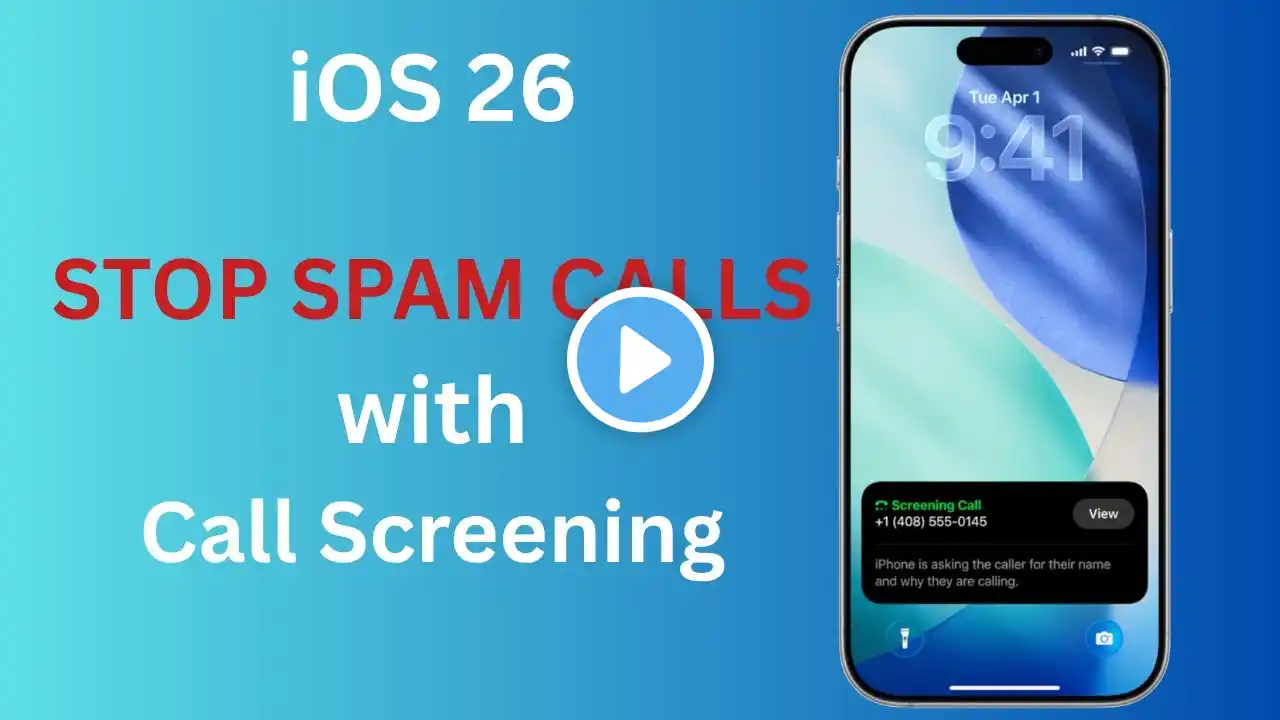
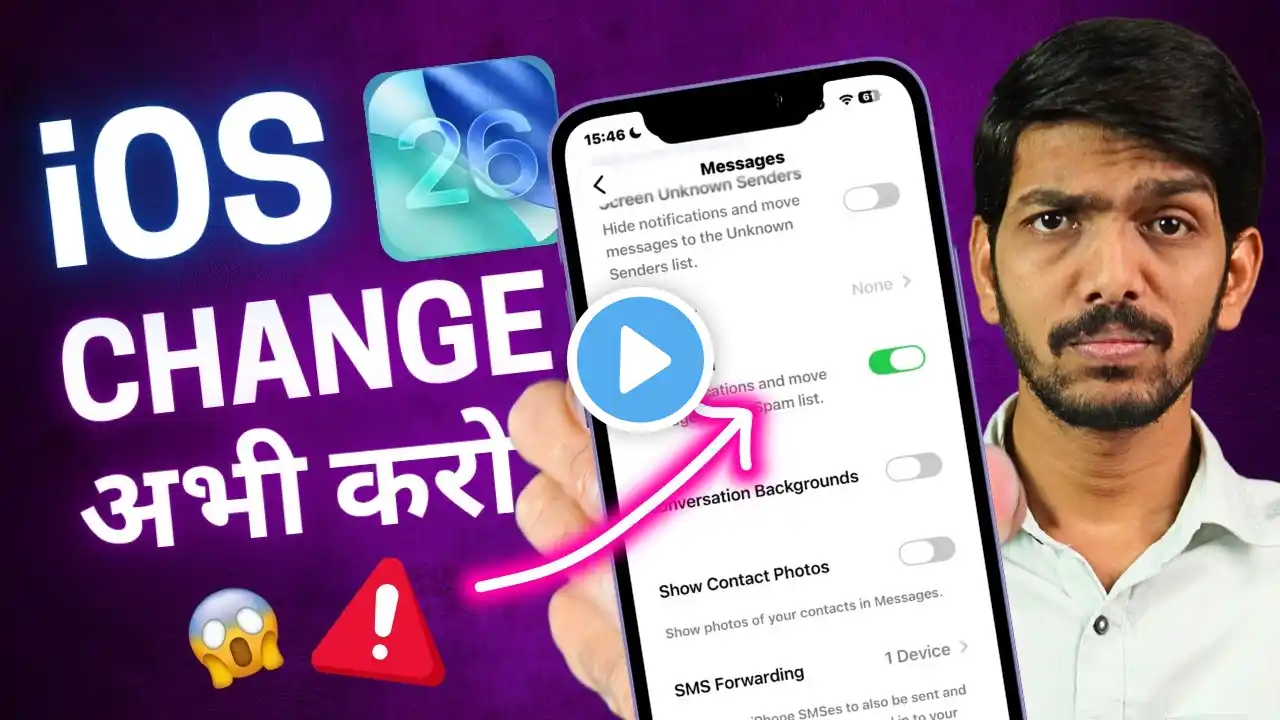
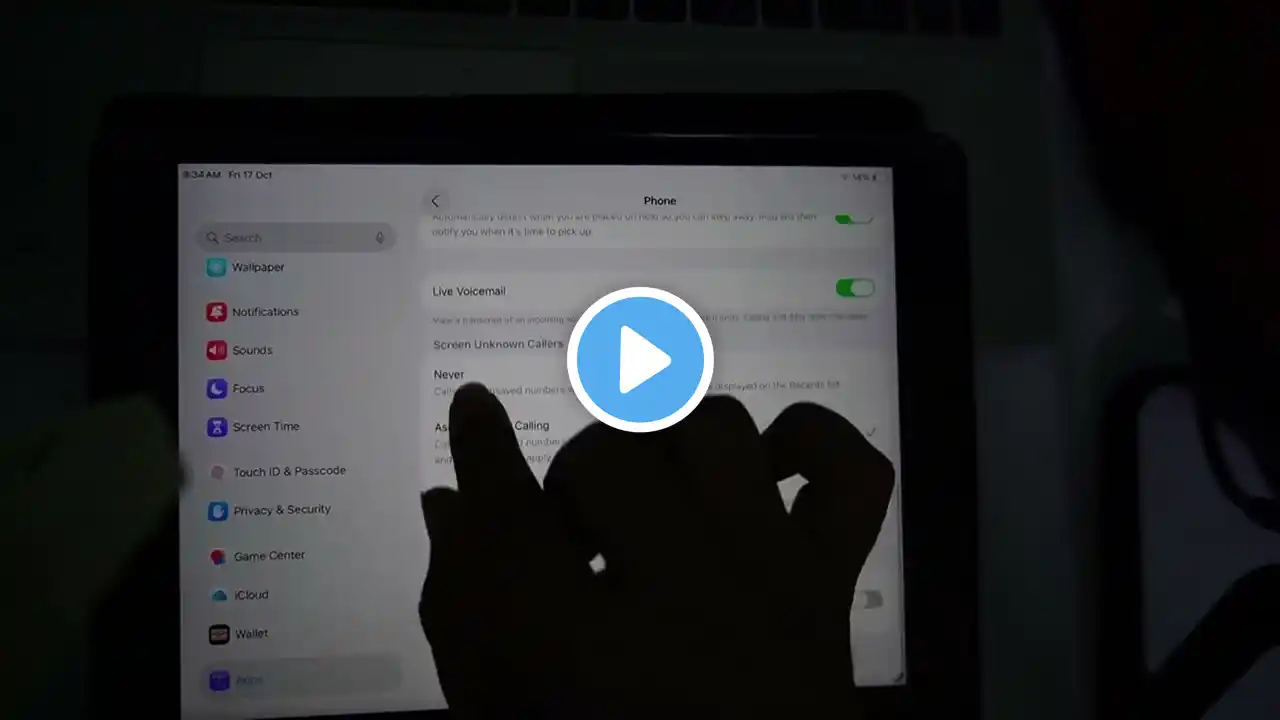
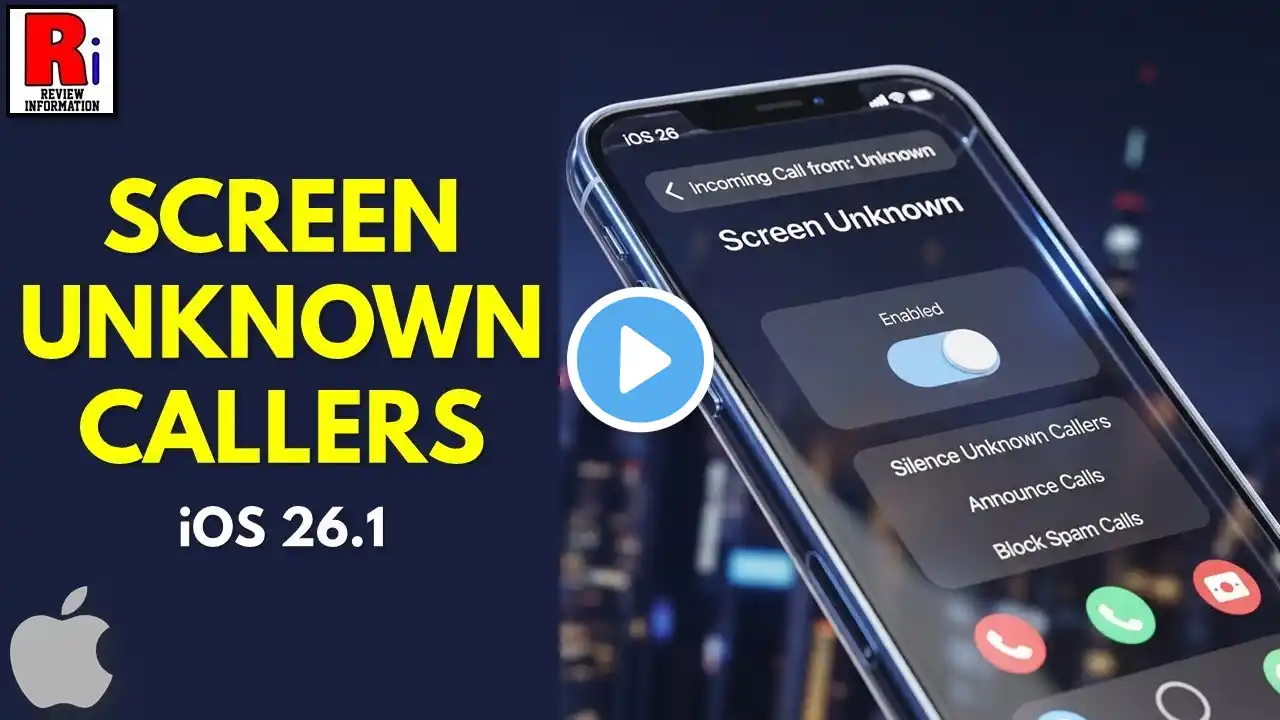
Learn how to use the Screen Unknown Callers feature on iOS 26 to take control of incoming calls and reduce interruptions from unknown or spam numbers. In this step-by-step guide, I’ll show you how to access the setting, explain the difference between “Ask Reason for Calling” and “Silence”, and help you choose the option that best suits your needs. With this feature, your iPhone can either prompt unknown callers to provide more information before ringing or automatically silence them, sending them to voicemail while still keeping a record in your Recents list. This tutorial is perfect for anyone who wants to manage unwanted calls, improve privacy, and streamline their phone experience on iOS 26. Whether you get frequent spam calls or just want more control over who can reach you, this feature makes it easier than ever. Tags: iOS26, iPhoneTips, ScreenUnknownCallers, iPhoneCalls, CallScreening, SpamCallBlock, iOSUpdates, iPhonePrivacy, iOSFeatures, HowToiPhone Hashtags: #iOS26 #iPhoneTips #ScreenUnknownCallers #CallScreening #SpamCallBlock #iPhonePrivacy #iOSFeatures #TechTips #iPhoneGuide #HowToiPhone