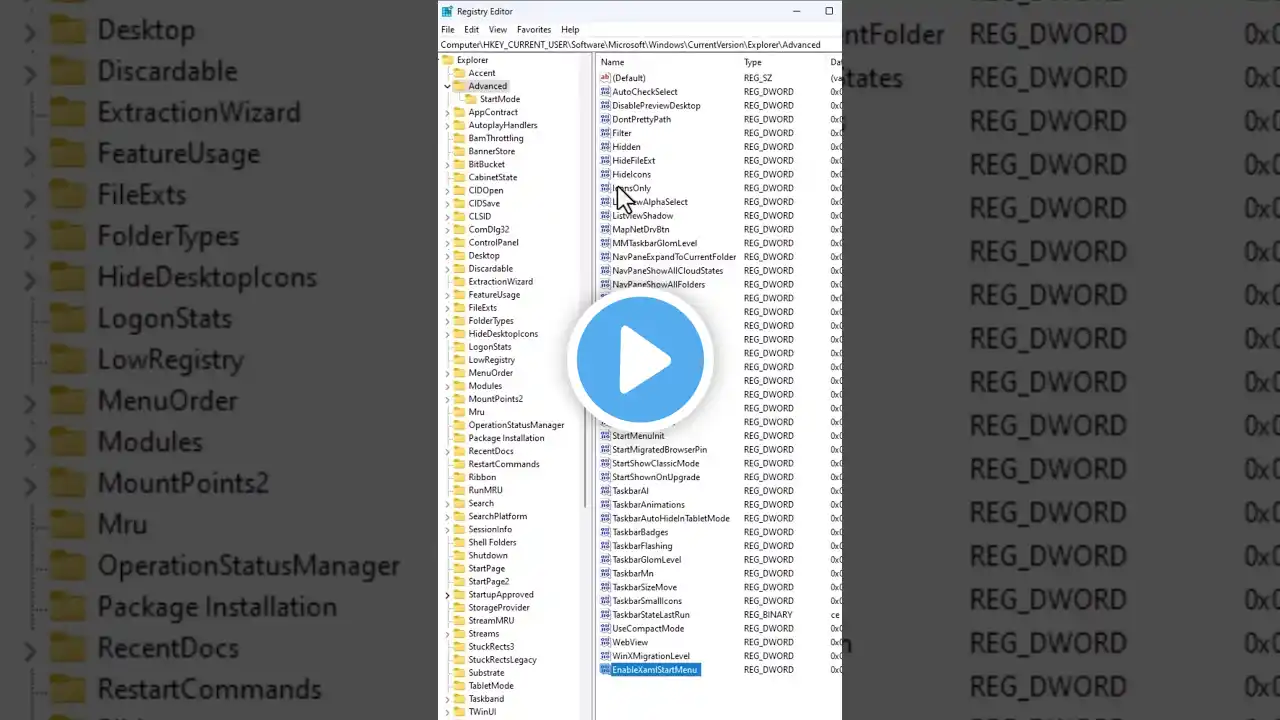
How to Reset Registry Editor in Windows 10/11 to Default Settings.
Thanks for watching the video. How to Reset Registry Editor in Windows 10/11 to Default Settings. Please give a like and comment down below if it worked. DON’T FORGET TO SUBSCRIBE MY CHANNEL ............... Visit our Facebook page. / ittutorialandsolution Visit Our other YouTube channel. / @sukantacomputerengr ................. Hello friends, welcome to my YouTube channel and Facebook page. Today, I will show you How to Reset the Registry to Default in Windows 10 or 11. Timestamps: 00:00 Intro 00:13 Reset Registry Editor 03:04 Outro Reset Registry Editor 1. go to file and click export to backup the registry editor file.first, the declaration of the file location and file name. 2. do you see the subinacl.msi file and download options, I have already downloaded it, So I will go to the download folder. 3. Press the Windows key, type cmd, select and click on command prompt as administrator. ............ SoftWare link Subinacl.msi https://mega.nz/file/Yllz2AqC#dSYc-8G... ............ Reset Registry Permissions Key ........... ubinacl /subkeyreg HKEY_LOCAL_MACHINE /grant-administrators=f subinacl /subkeyreg HKEY_CURRENT_USER /grant-administrators=f subinacl /subkeyreg HKEY_CLASSES_ROOT /grant-administrators=f subinacl /subdirectories %System Drive% /grant=administrators=f subinacl /subkeyreg HKEY_LOCAL_MACHINE /grant=system=f subinacl /subkeyreg HKEY_CURRENT_USER /grant=system=f subinacl /subkeyreg HKEY_CLASSES_ROOT /grant=system=f subinacl /subdirectories %System Drive% /grant=system=f ........... If you are first visiting my YouTube channel and Facebook page. please subscribe, like, follow and notify the belt icon click, and see your next updated Video. #ResetRegistryEditor #RegistryEditor #restore_regedit_to_default #Registry_permissions #Registry #windows10 #windows11