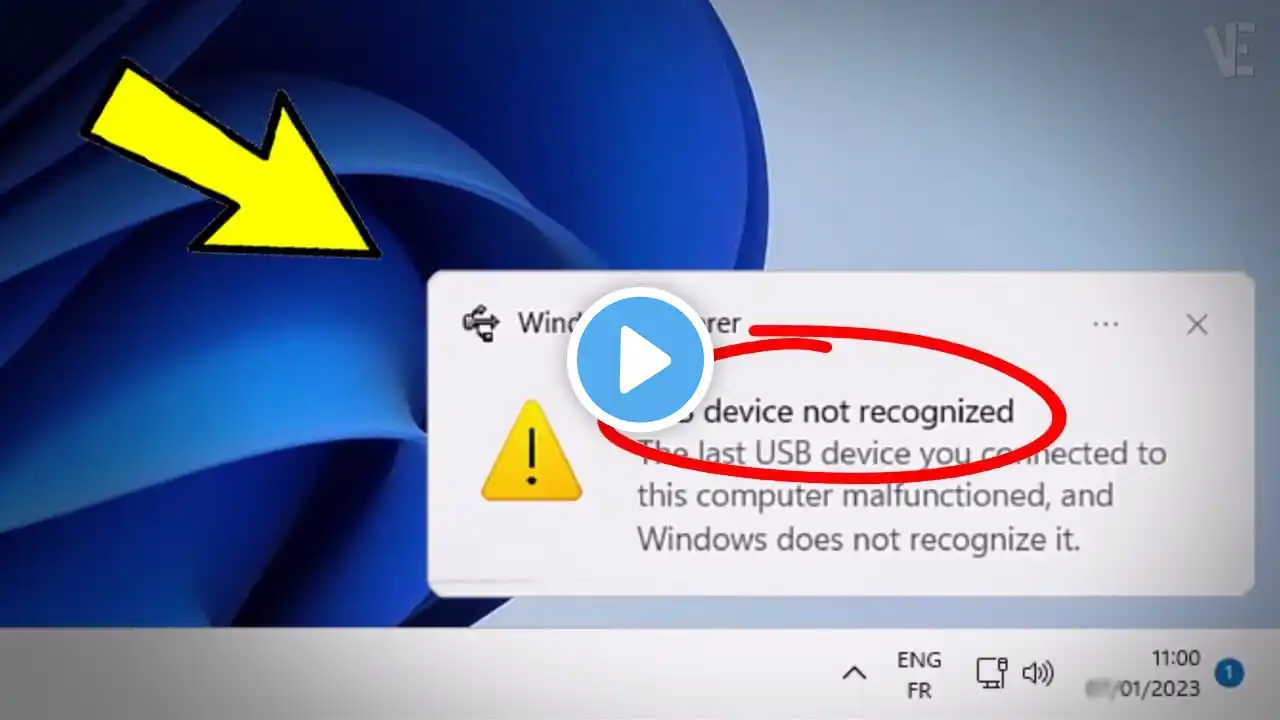
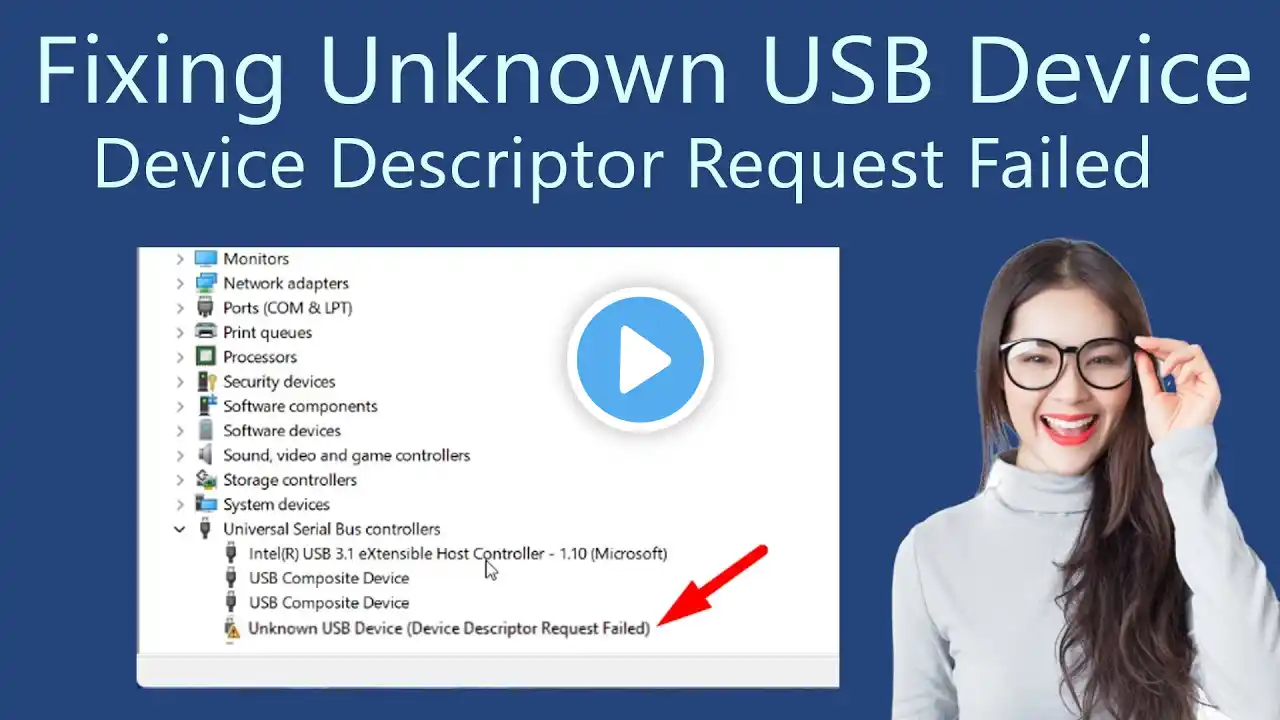
Fix USB Devices Not Working in Windows 11 | Dell Support
Fix USB Devices Not Working in Windows 11 | Dell Support Are your USB devices not working on your Dell computer ? Follow this step-by-step guide to troubleshoot and fix issues with your USB ports Learn how to enable USB ports in BIOS , run ePSA diagnostics , refresh USB controllers , update BIOS and use SupportAssist for testing If all else fails , a system restore may help resolve the issue 00:00 Enable USB Ports in BIOS 01:20 Test USB Ports with ePSA Diagnostics 02:00 Refresh USB Controller and Hub 03:00 Update BIOS 04:20 Test USB Ports with SupportAssist 05:07 Perform a System Restore If you have questions or need support , contact us through social media at http://del.ly/6052QfNhy Join us in a chat on our Dell Community Forum at http://del.ly/6053QfNhJ click on Support Forums Learn more about our Dell Community Forum , check out http://del.ly/6054QfNhK For additional guidance with your PC's maintenance and troubleshooting visit http://del.ly/6055QfNhz