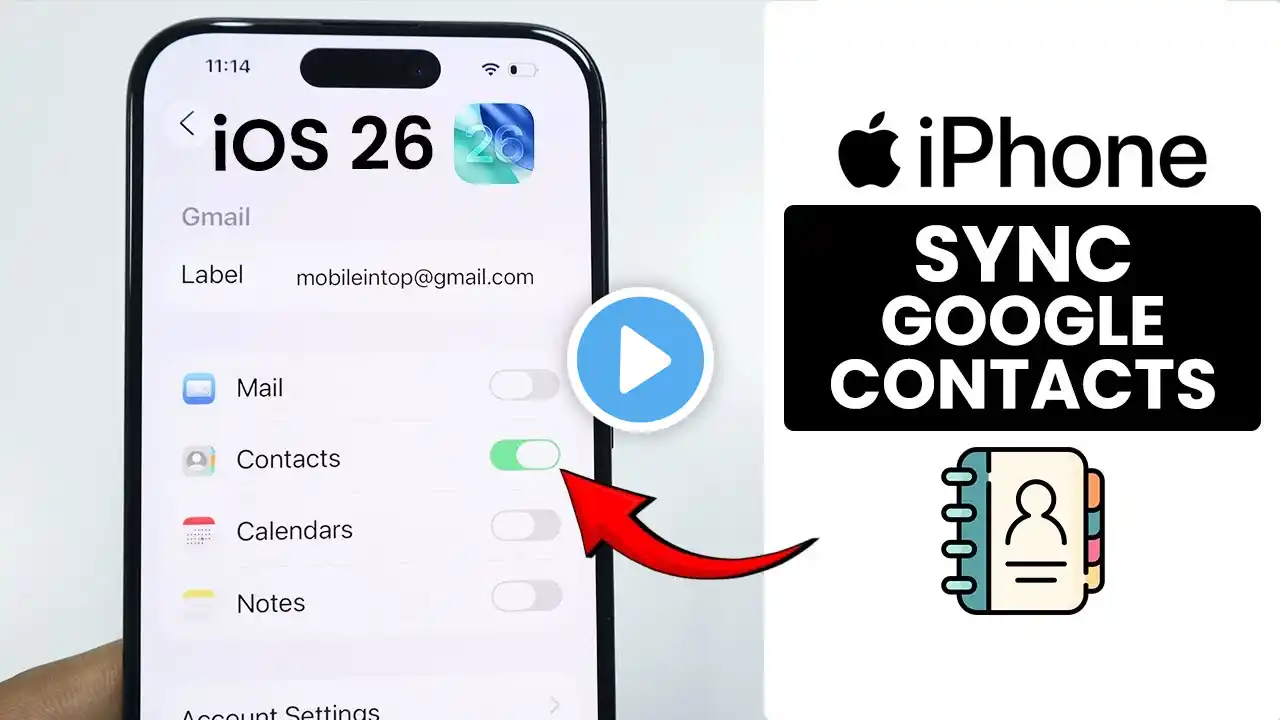
How to Enable Sync Contacts In Your Gmail Account (Updated)
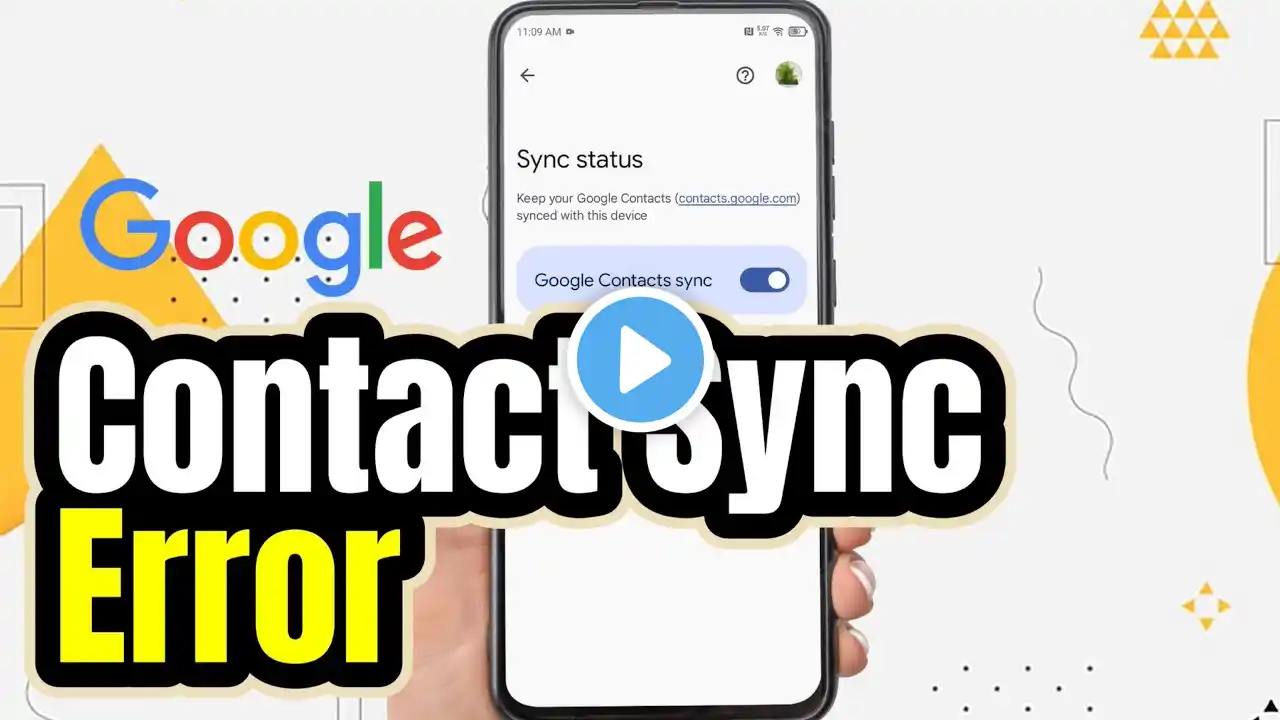
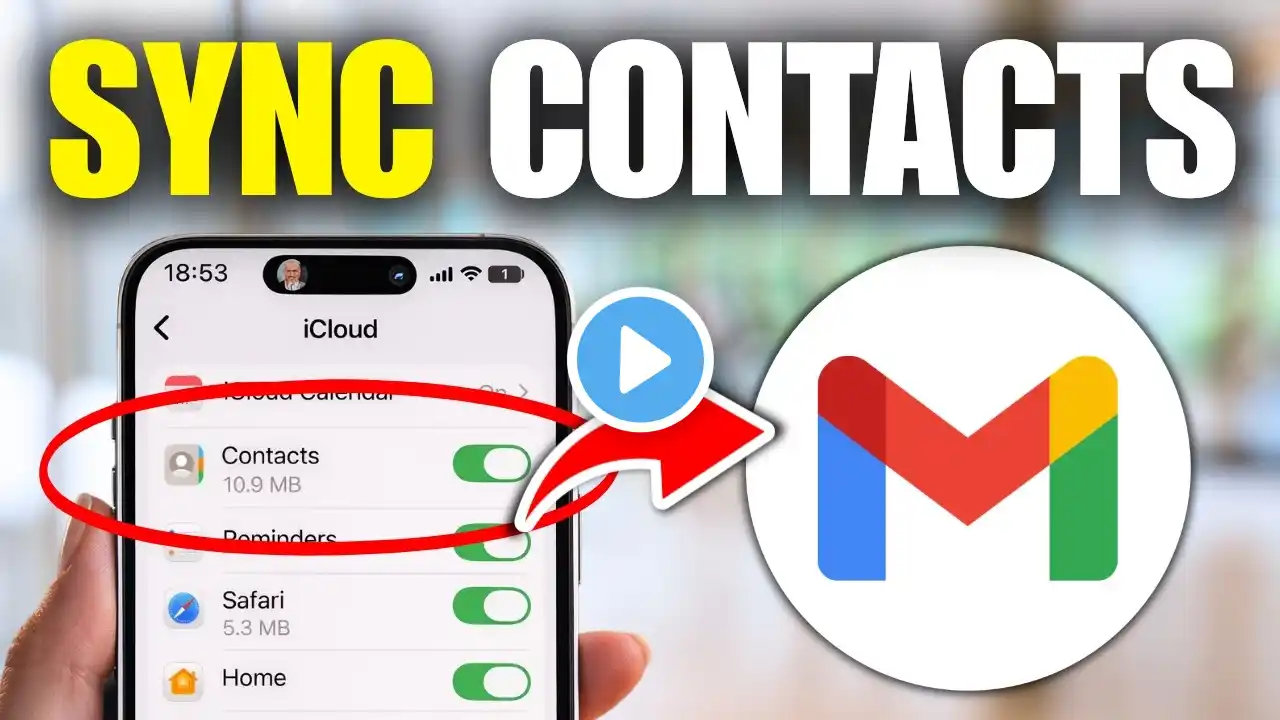
Learn how to enable sync contacts in your Gmail account with this simple step-by-step guide. Keeping your contacts up to date across devices is essential for seamless communication. Follow these easy steps to ensure your contacts are always in sync. Steps: 1. Open the Gmail app on your android device. 2. Tap your profile picture at top right. 3. Tap "Manage Accounts on this device". 4. Tap on the account you want to sync. 5. Tap "Sync Account". 6. Turn on the contact option. Stay connected and never lose track of your important contacts! If you found this video helpful, please like, share, and subscribe for more tips. #PGmailContacts #SyncContacts #HowTo =================== Chapters: -------------- 00:00 Intro 00:12 Soultion 01:05 Outro =================== For advertiser contact us via email : [email protected]