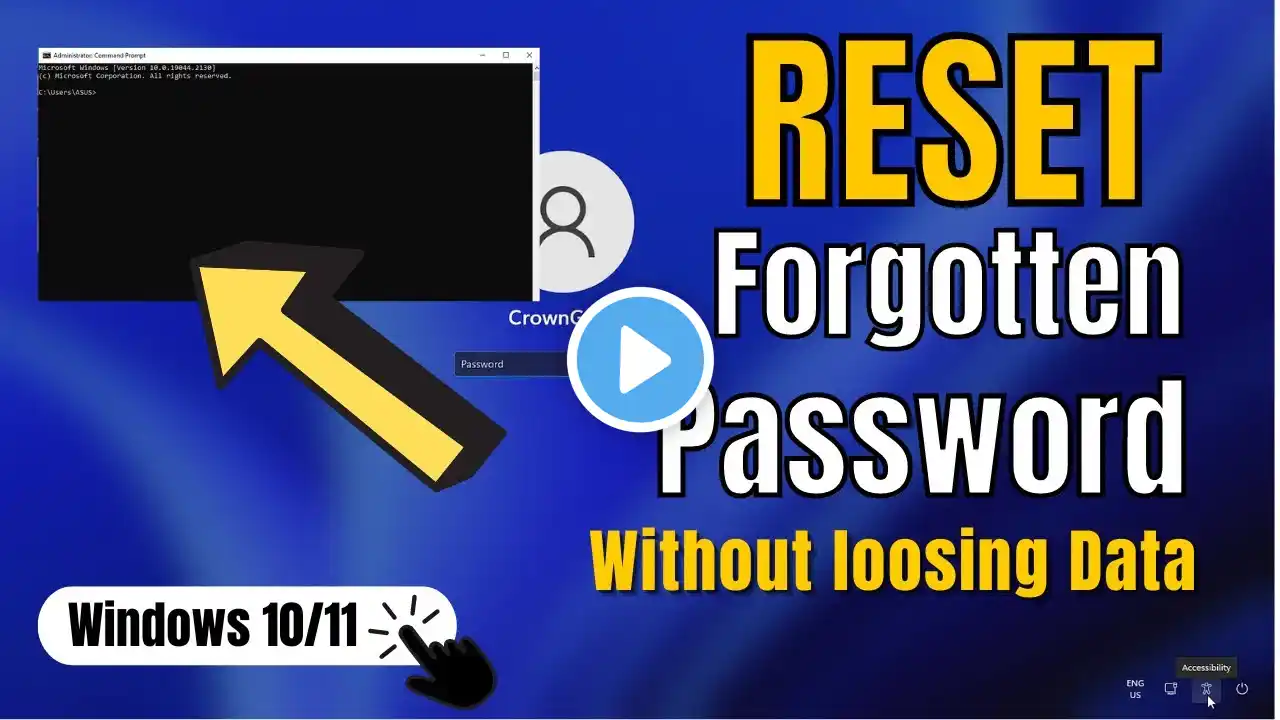
Reset Windows 10/11 Password for Free | Easy Guide with Command Prompt
Reset Your Forgotten windows 10/11 password without losing data via Command Prompt For free - no tech skill required If you've forgotten your Windows 10 or 11 password, don't panic. You can reset it with just a Windows 10/11 Installer Bootable Pendrive or CD. Follow these simple steps: boot from the installation media, press Shift + F10 on the 1st screen to open the Command Prompt. Locate your Windows Drive (usually C: or D:), navigate to the system32 directory with 'CD Windows\system32,' and rename the 'utilman.exe' file to 'utiiman.bak' using 'ren utilman.exe utiiman.bak.' Then, create a copy of 'cmd.exe' as 'utilman.exe' with 'Copy cmd.exe utilman.exe.' Finally, restart your PC and follow the steps demonstrated in the video. Subscribe if this guide helps you!" #PasswordReset #Windows10 #Windows11 #CommandPrompt #TechTutorial #PasswordRecovery #PCSecurity #windows10passwordreset #windows11passwordreset #forgottenpasswordreset #commandprompt #passwordreset #easypasswordreset #freepasswordreset Reset Windows password Windows 10 Windows 11 Forgot password Command Prompt Password reset Easy tutorial Tech tips Windows installation Password recovery Utilman.exe Bootable Pendrive Windows CD Step-by-step guide Windows system32 Windows Drive User account PC security reset windows 10/11 password reset windows password reset forgotten password command prompt windows 10 password reset windows 11 password reset no tech skill required easy password reset free password reset